Dataset for AirQuality Data

info
- Follow the steps mentioned below to create an Amorphic Dataset to store AirQuality data
- Total time taken for this task: 3-5 Minutes.
- Pre-requisites: Register on Amorphic and Login and Create Domain
Tidbits
- Add your userid as a suffix to all the resources that you create.
- This will avoid contention with other users as Amorphic maintains a global metadata catalog. 💡
- This is mandatory as multiple users are following these workshop instructions.
Create Airquality dataset
- Click
New Dataseton the top right corner of the datasets page
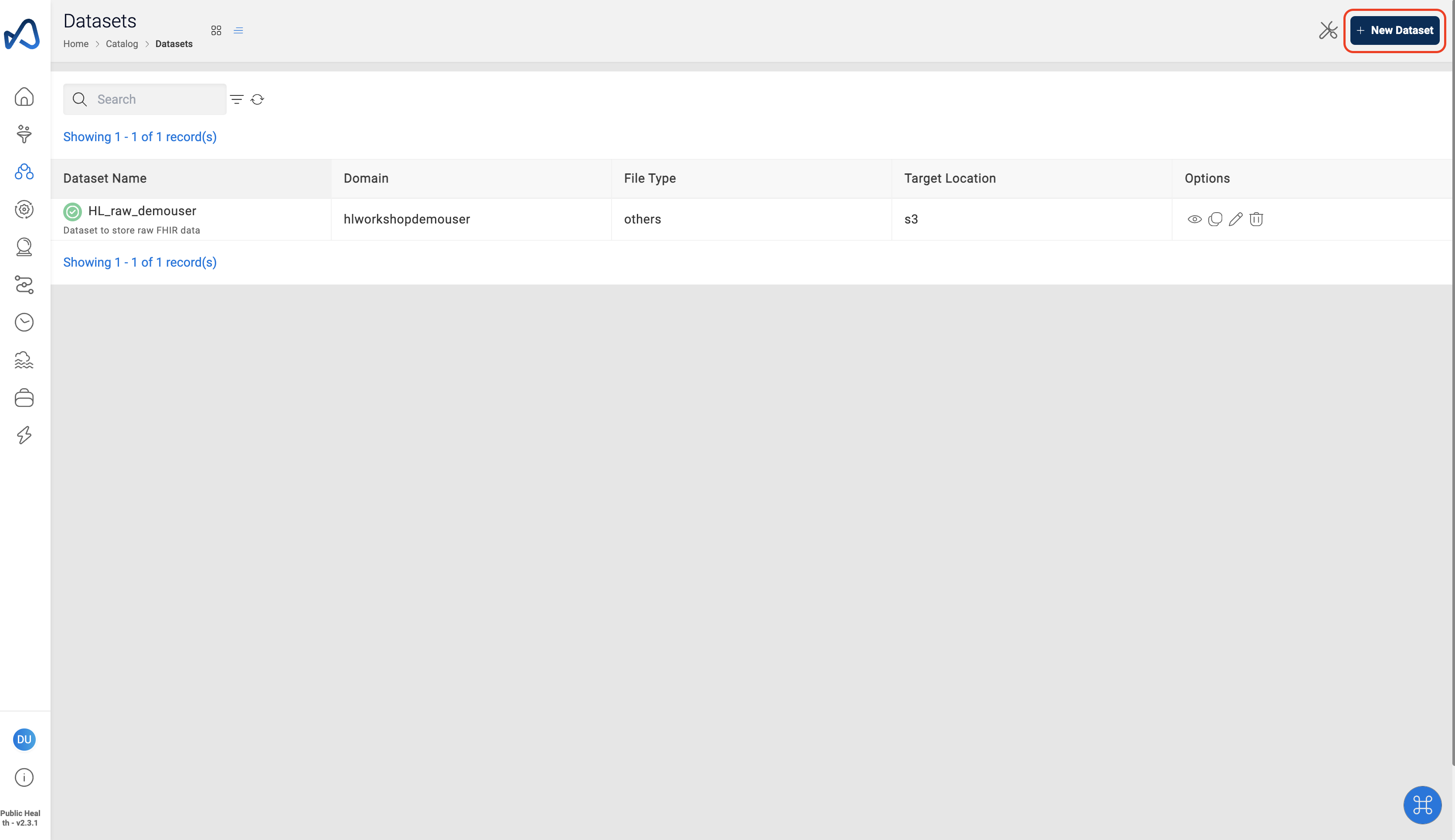
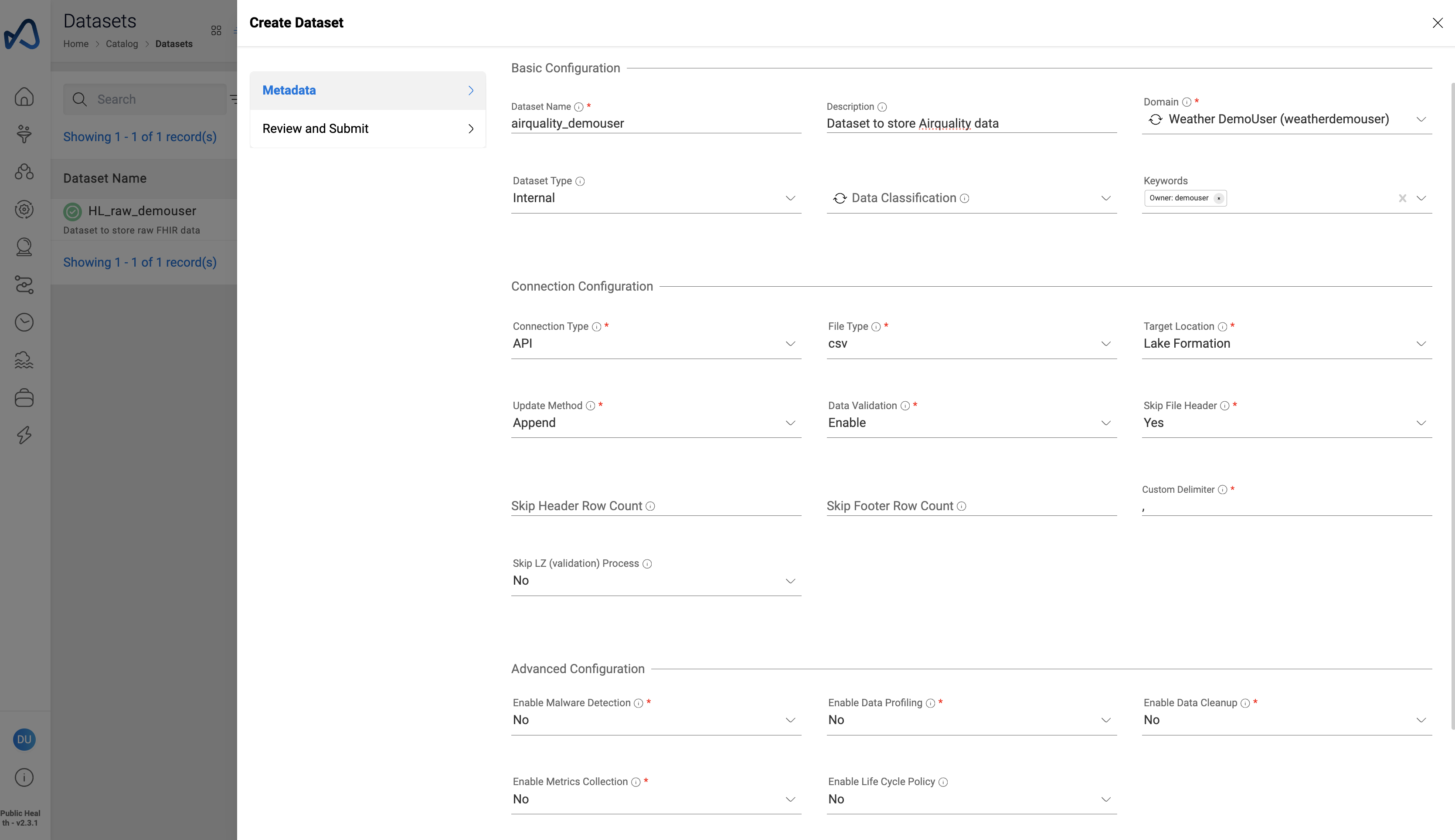
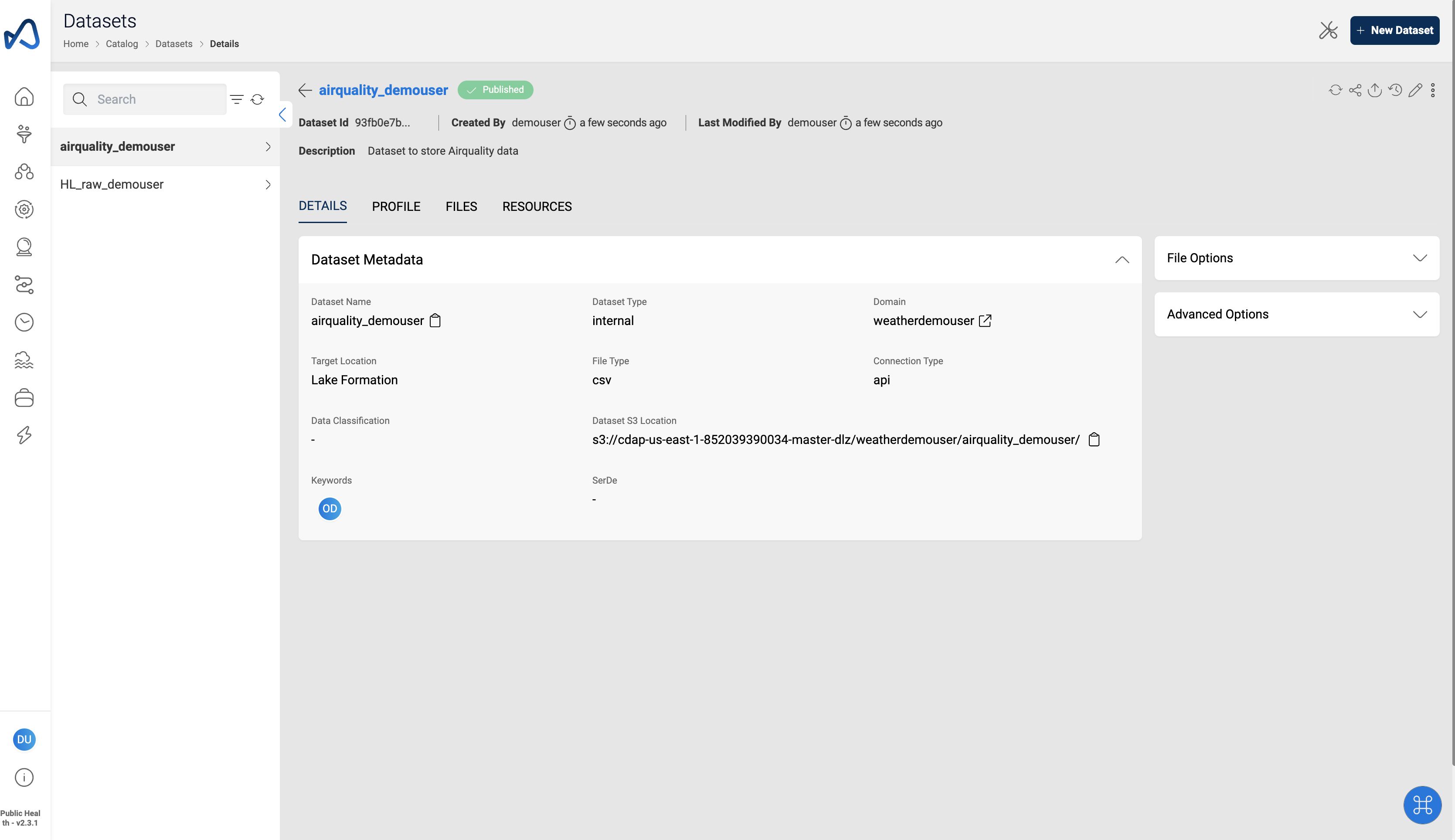
- Provide the dataset details as shown in the example below
Dataset details
"Dataset Name" : "airquality_<username>"
"Description" : "Dataset to store Airquality data"
"Domain" : "weather<username>"
"Dataset Type" : "Internal"
"Connection Type" : "api"
"File Type" : "csv"
"Target Location" : "Lake Formation"
"Update Method" : "Append"
"Data Validation": "Enable"
"Skip File Header": "Yes"
"Custom Delimiter": ","
"Enable Malware Detection" : "No"
"Enable Data Profiling" : "No"
"Enable Data Cleanup" : "No"
"Enable Metrics Collection" : "No"
"Enable Life Cycle Policy" : "No"
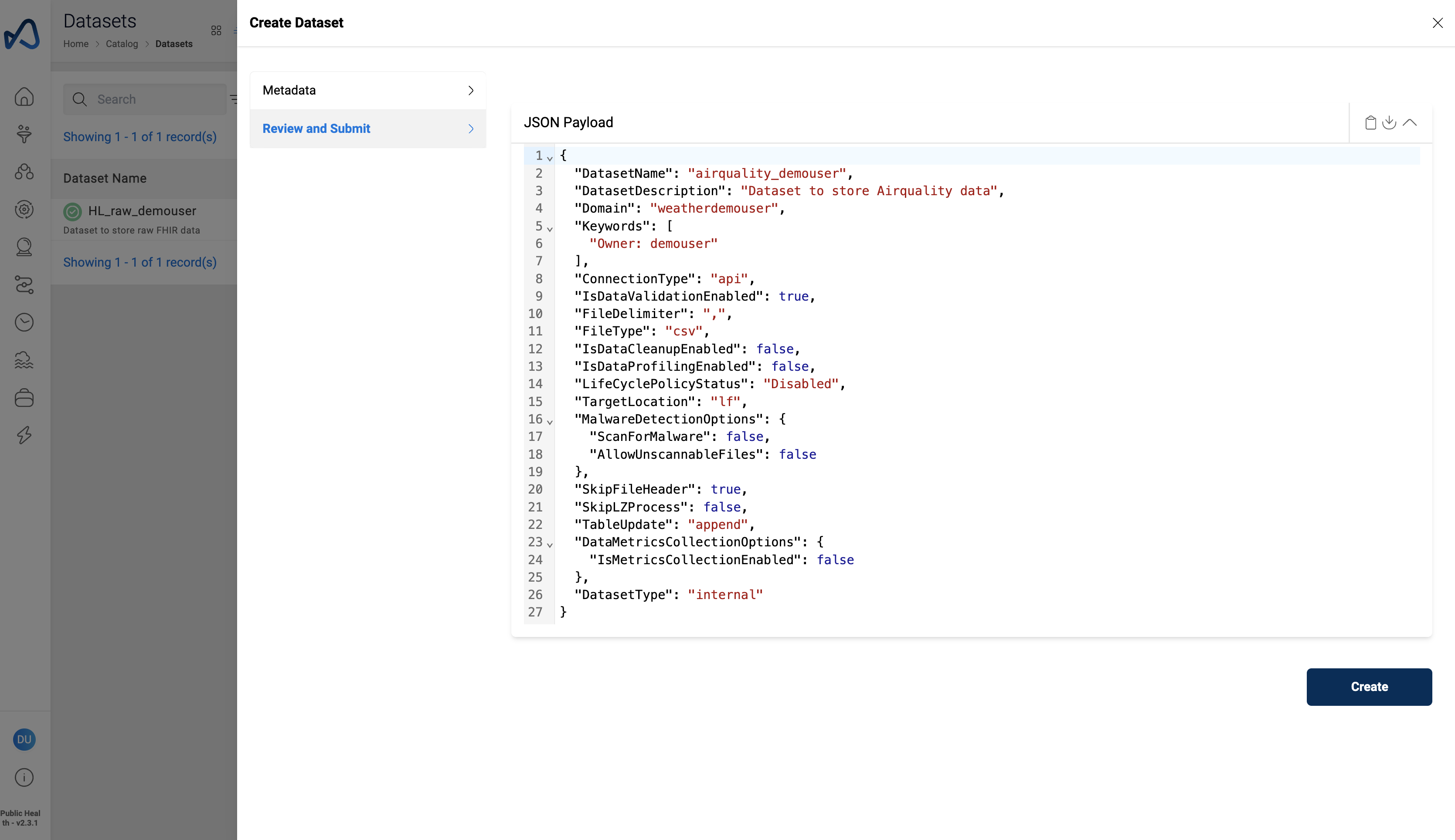
- Review and submit the dataset details
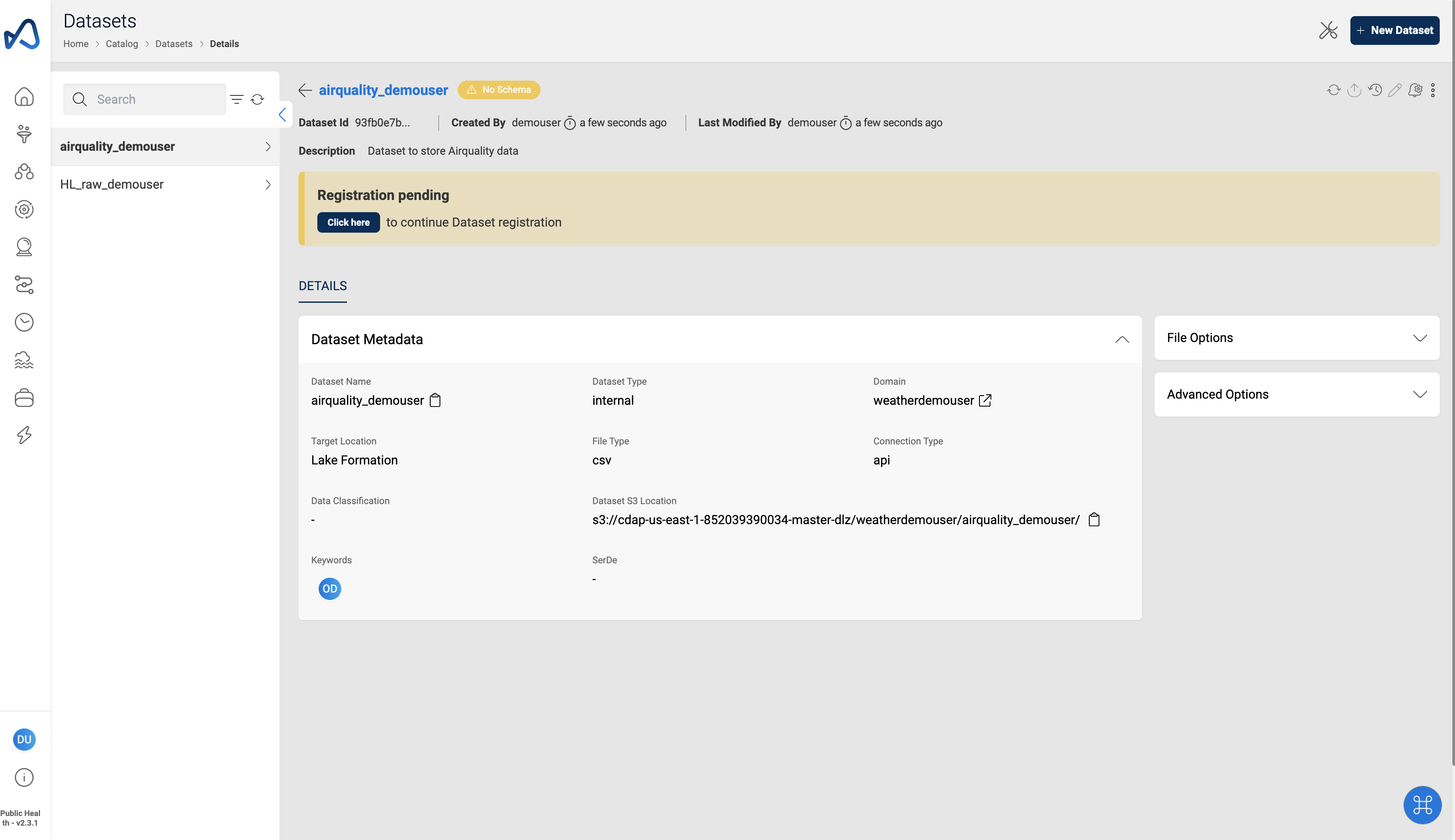
- Click on the Register pending banner to provide a schema for the dataset
note
Downlaod the Sample File
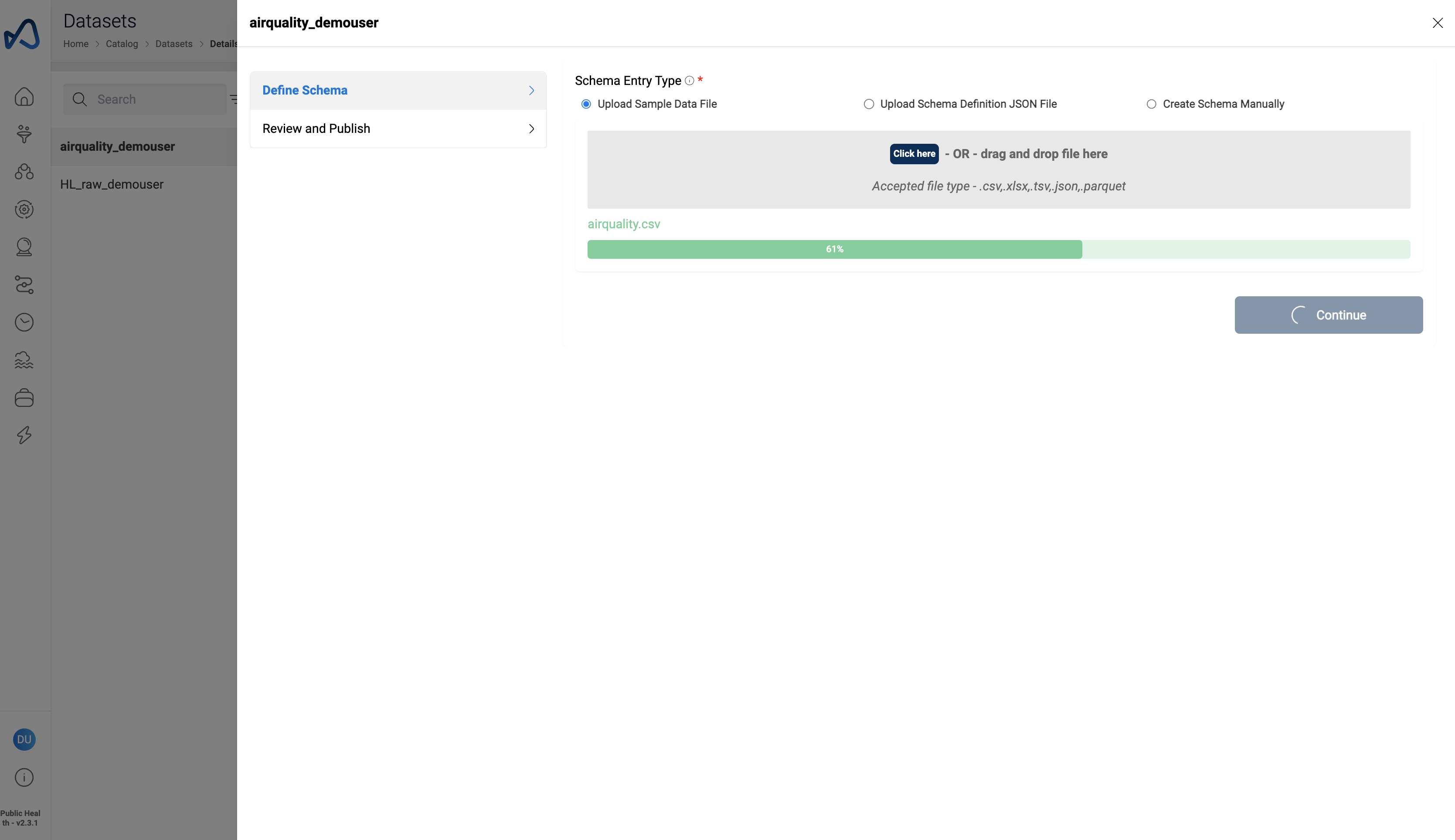
- Upload sample AirQuality data file
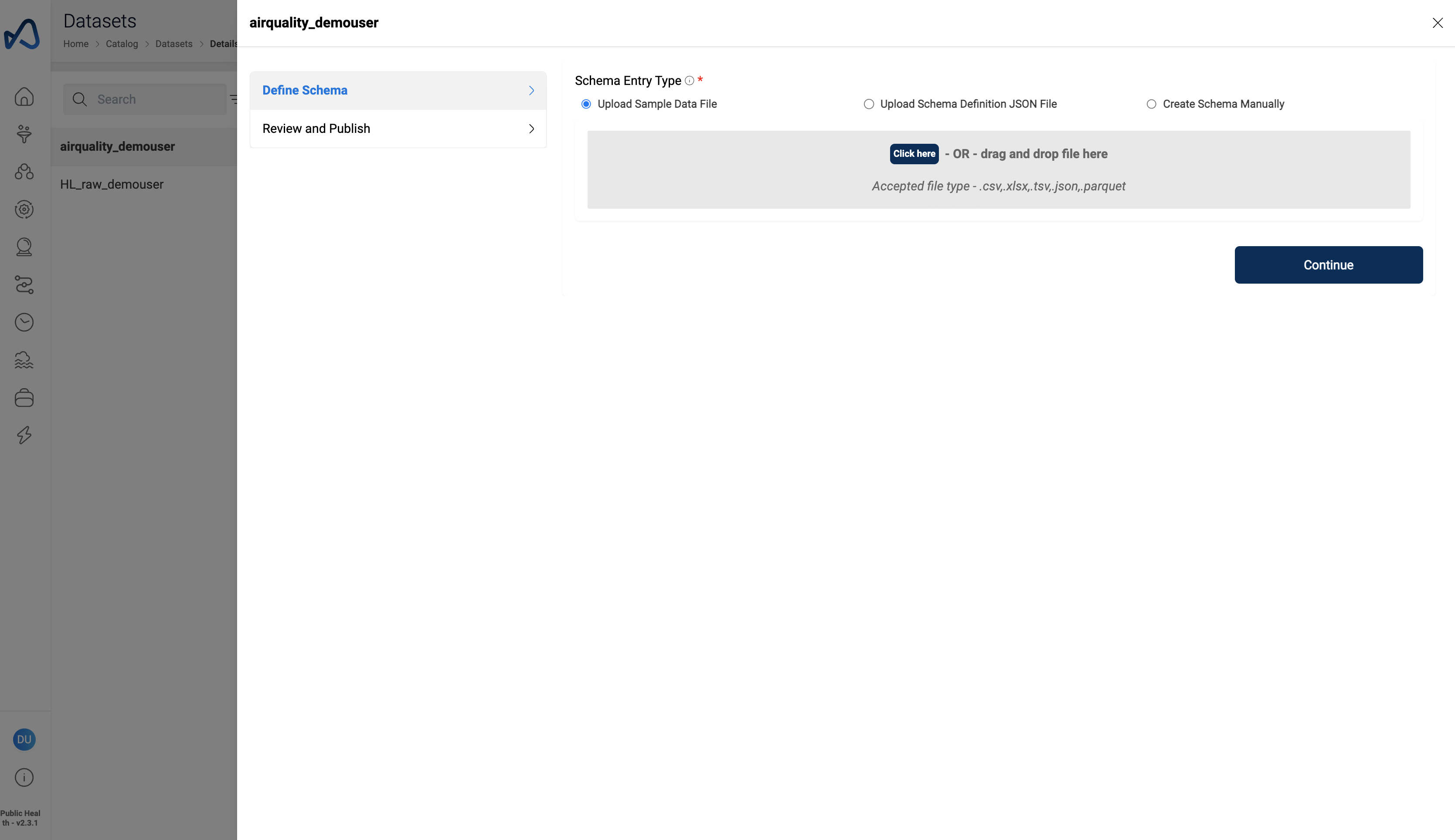
- Amorphic will auto extract the dataset schema from the sample file.
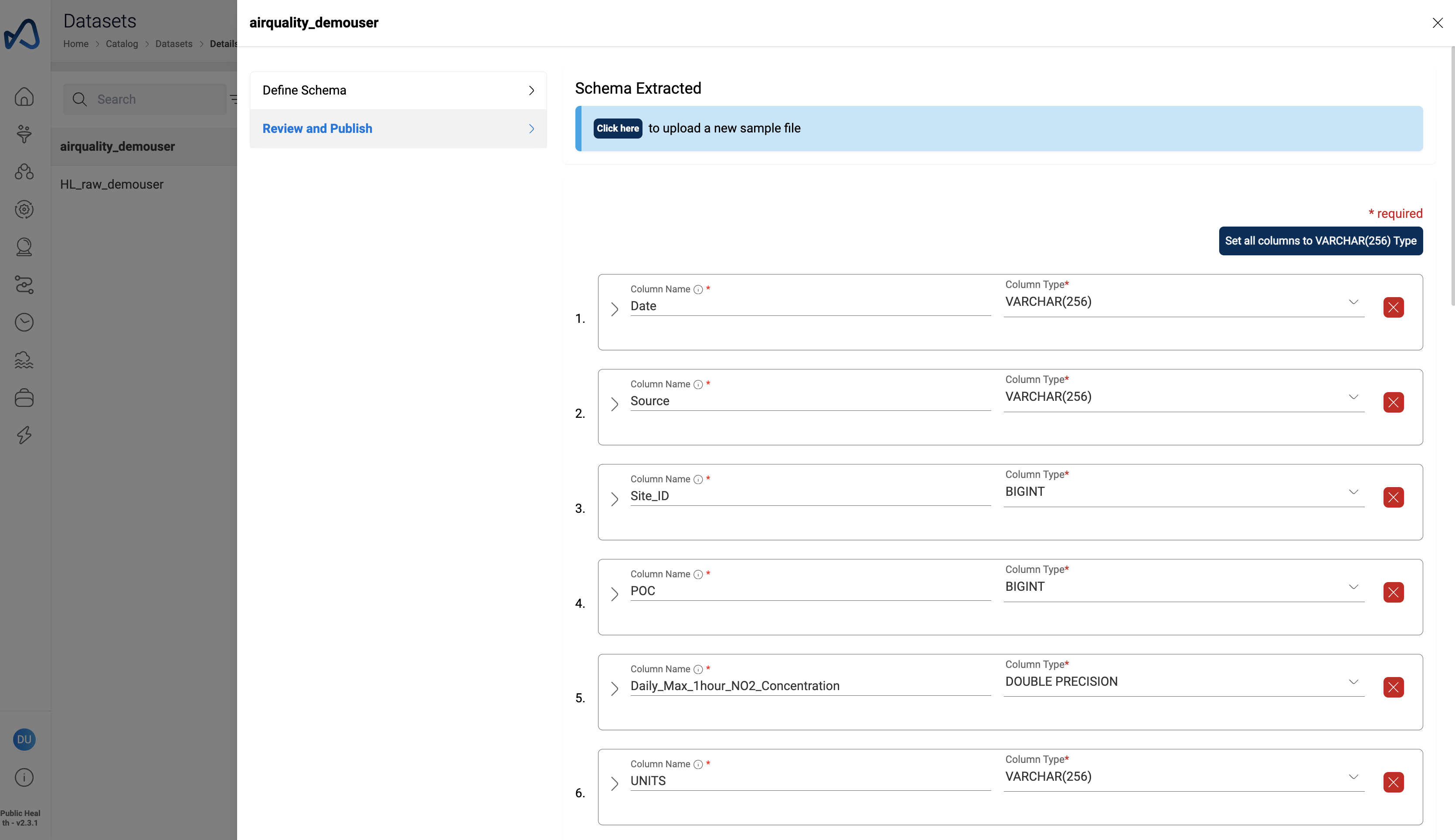
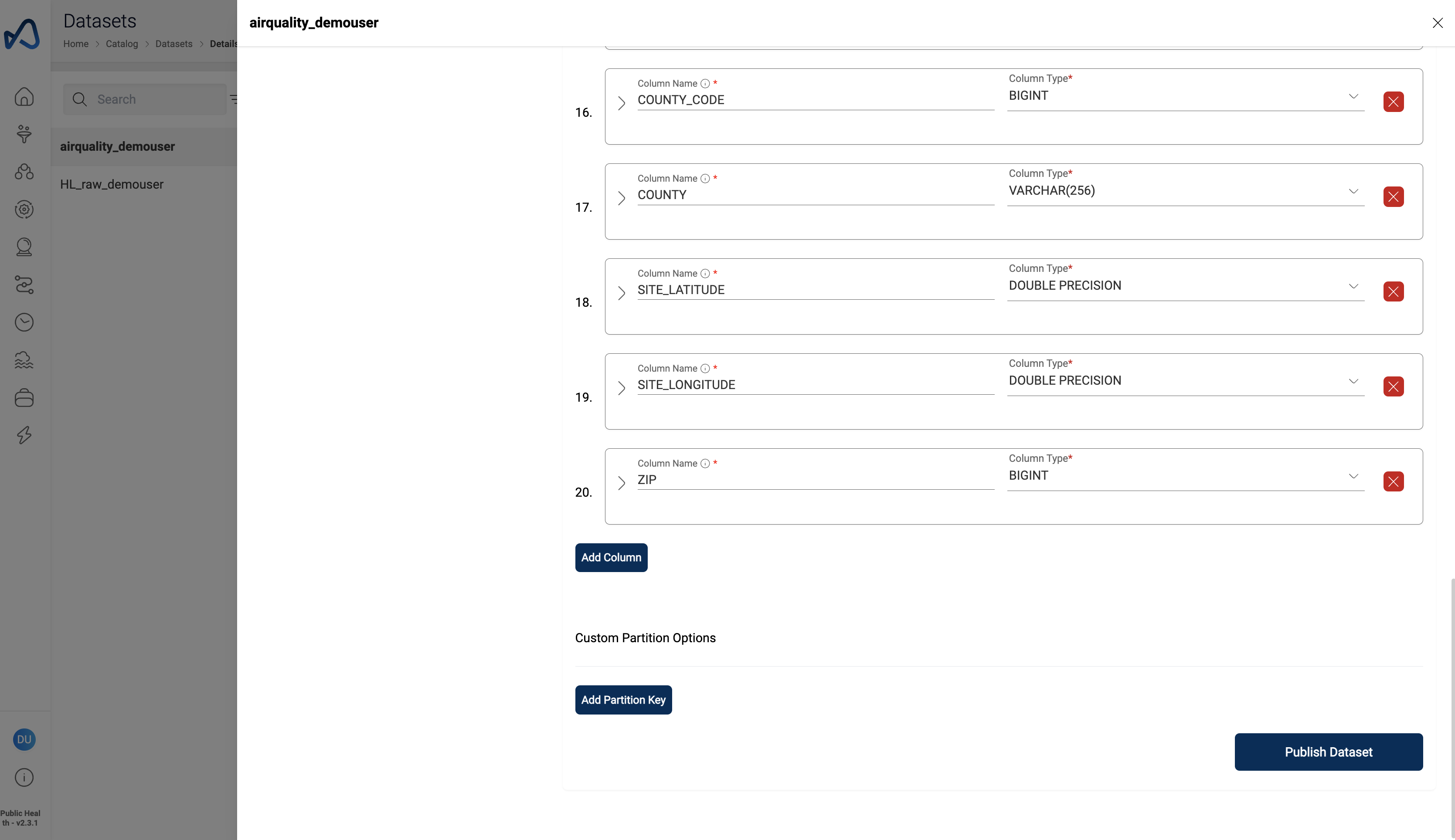
- Reveiw the schema and Click
Publish Dataset
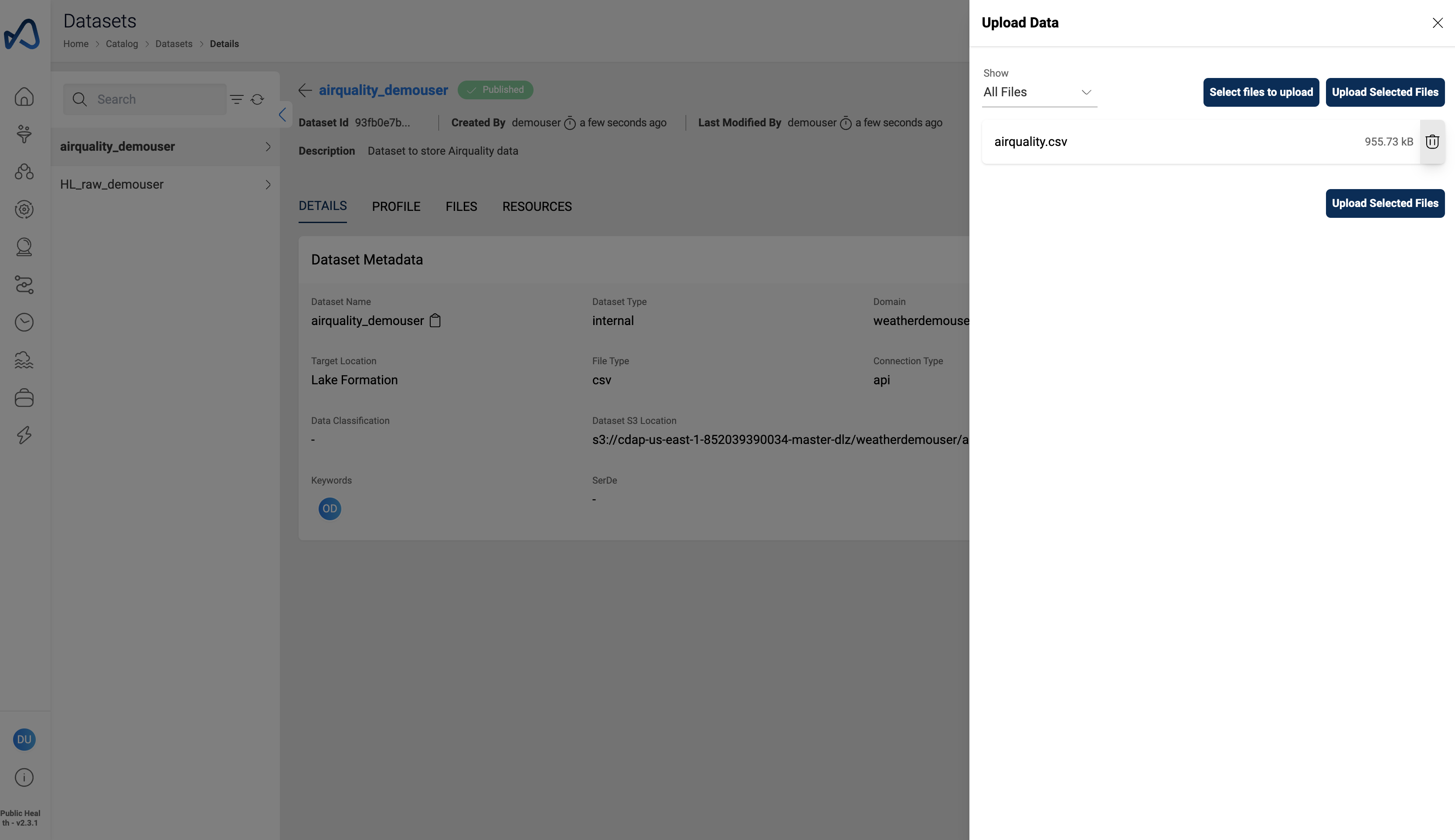
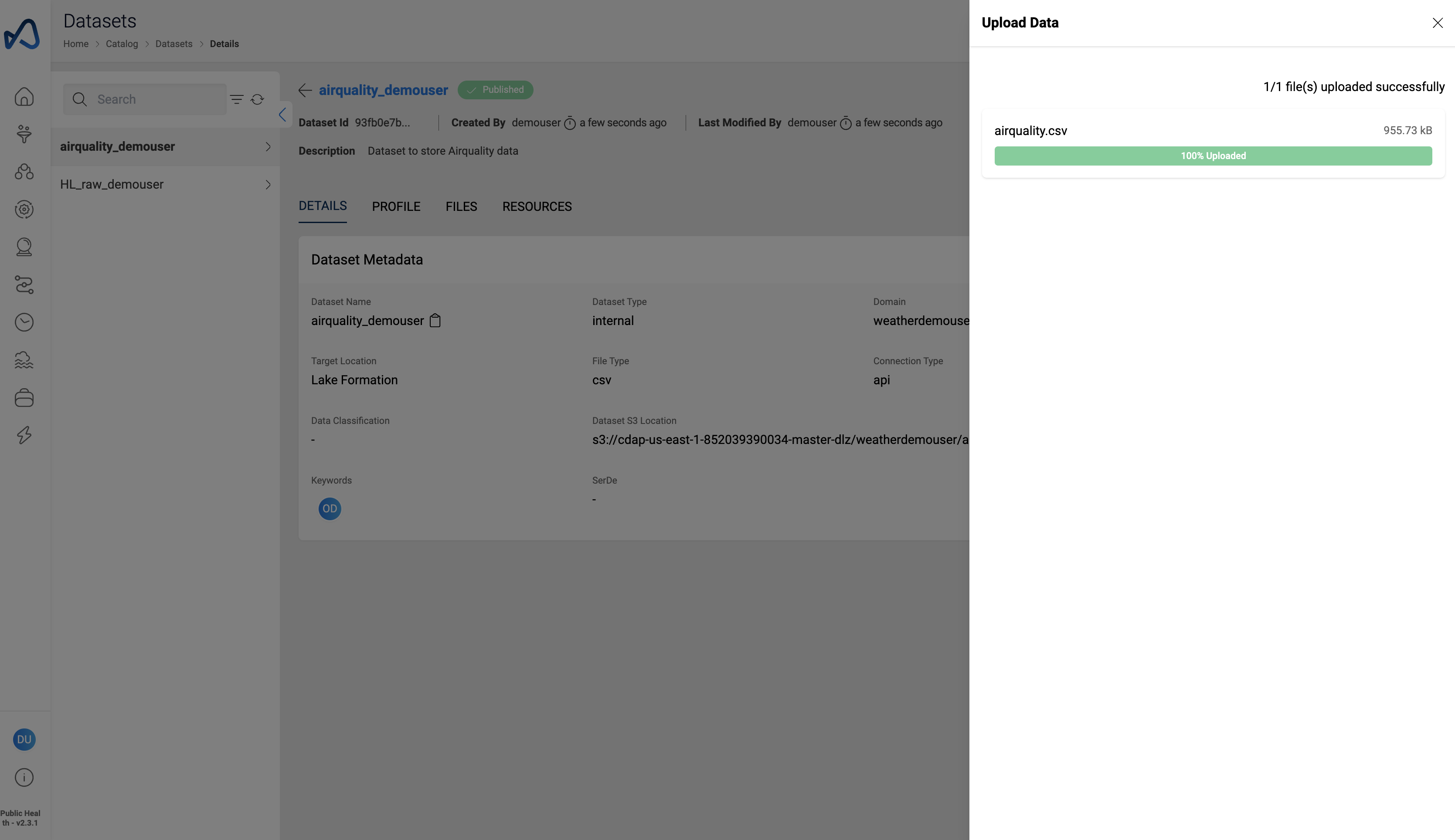
- Click on the upload icon to add data files to the dataset
- Click
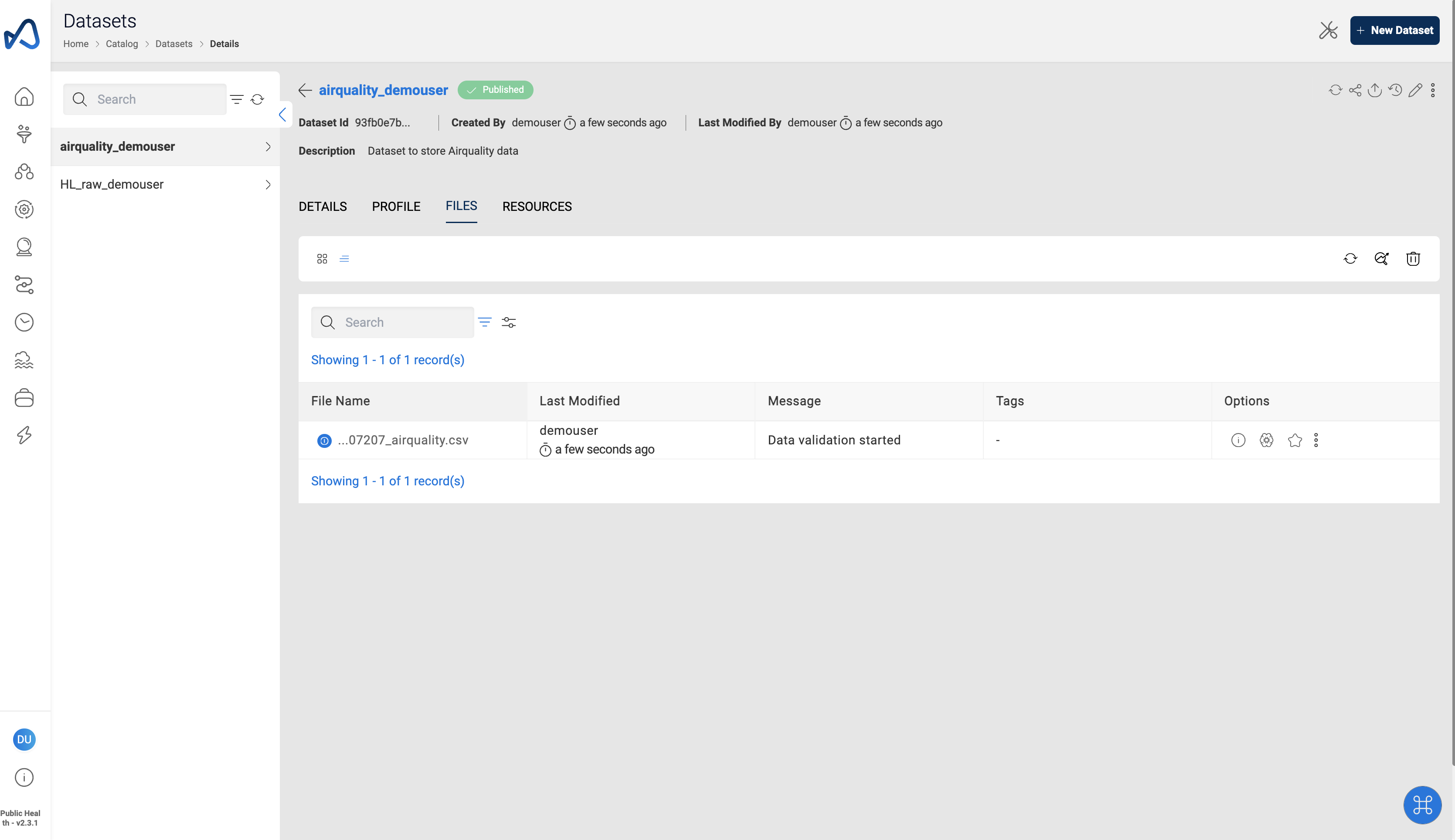
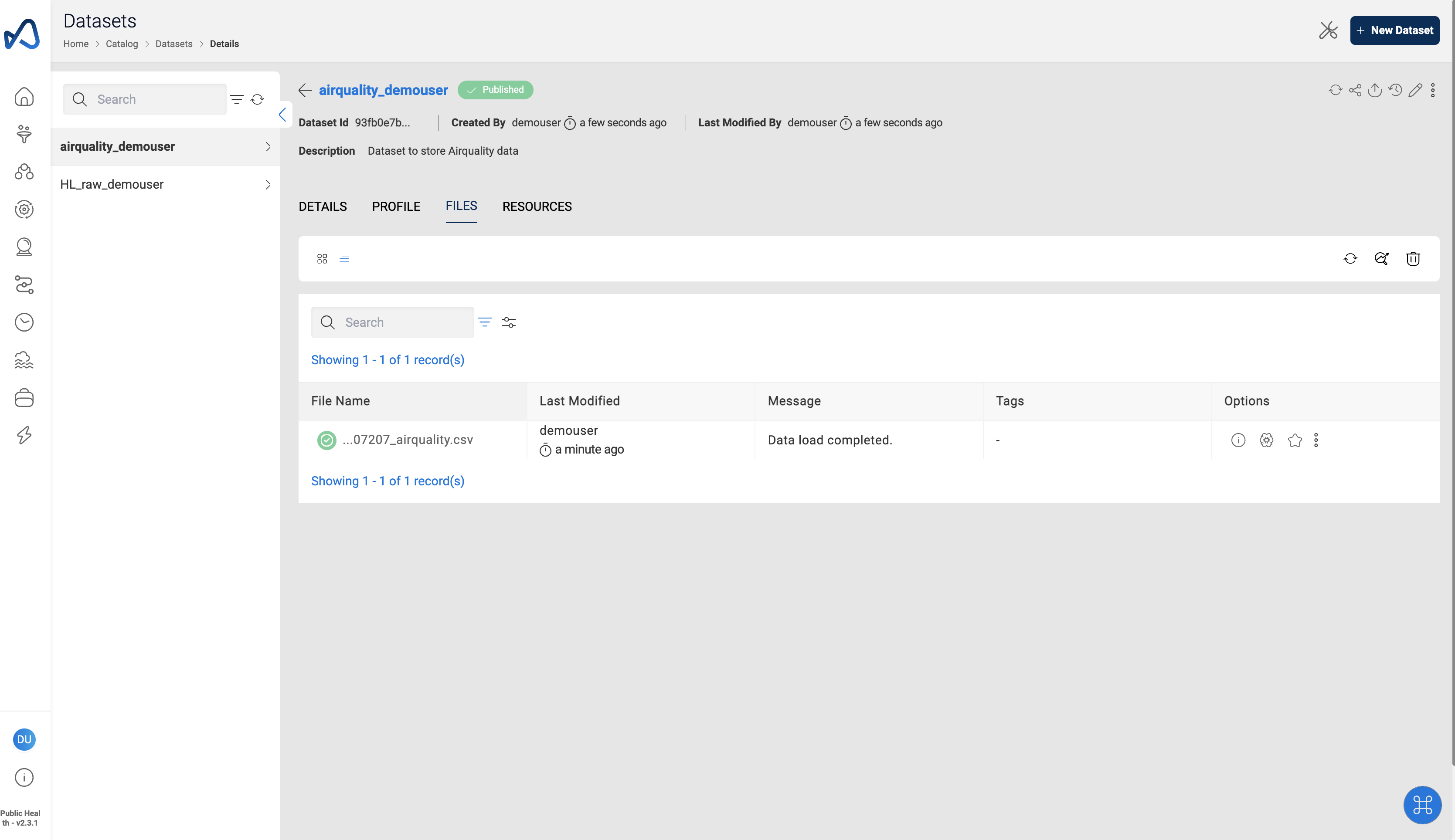
Select file to uploadand upload the sample airquality datafile