Create S3 Dataset

info
- Follow the steps mentioned below.
- This dataset will be used to store raw data required for the Healthlake import job in the next steps.
- Total time taken for this task: 5 Minutes.
- Pre-requisites: Setup Amorphic and login and Create a Domain
Tidbits
- Add your ⚠️userid⚠️ as a suffix to all the resources that you create.
- This will avoid contention with other users as Amorphic maintains a global metadata catalog. 💡
- This is mandatory as multiple users are following these workshop instructions.
Create S3 Dataset
- Click on
Catalog-->Datasetson the left side navigation-bar.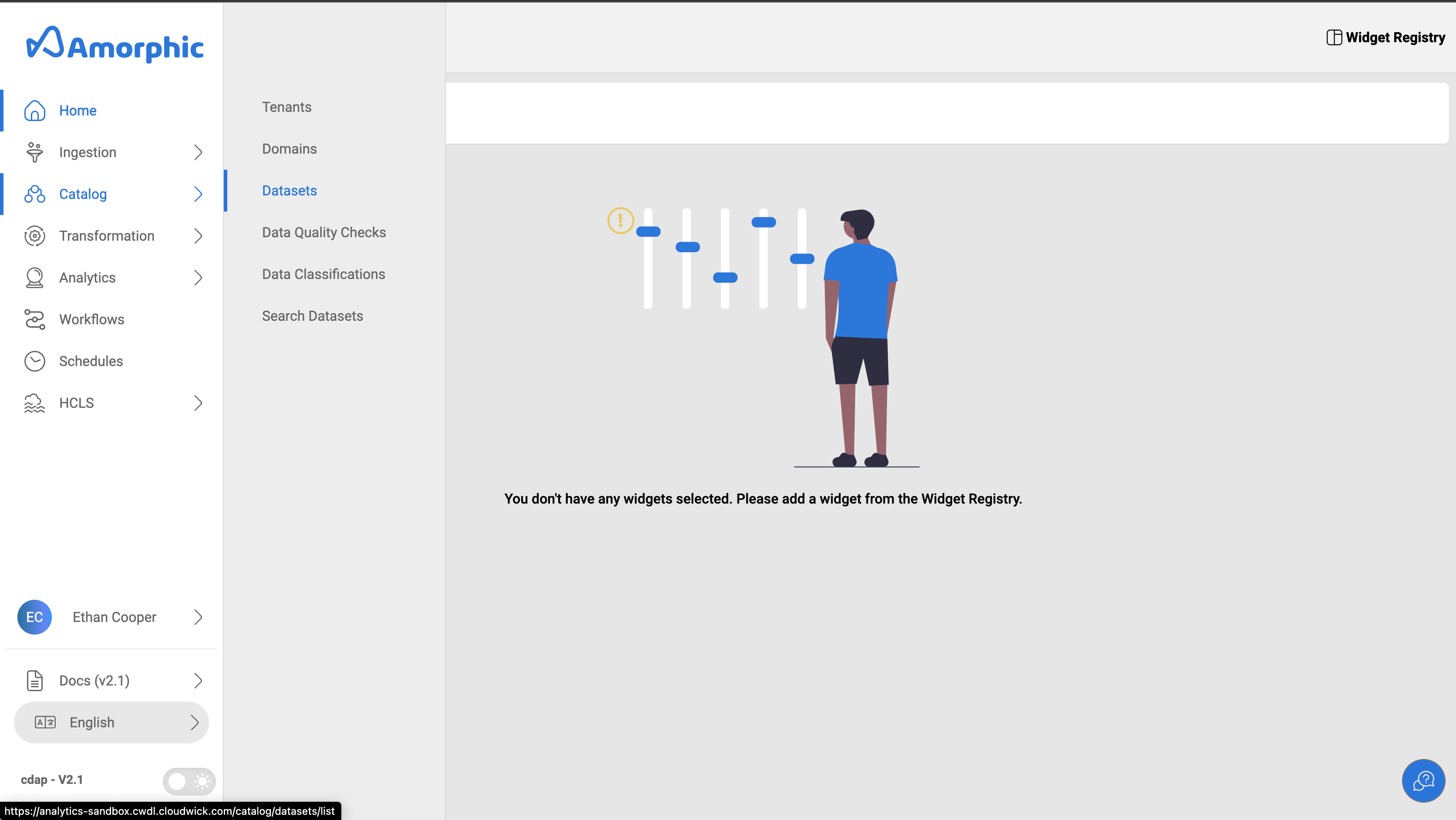
- Click on
➕ New Dataseticon at the top right corner. - Enter all the required details as mentioned below and click on
Next
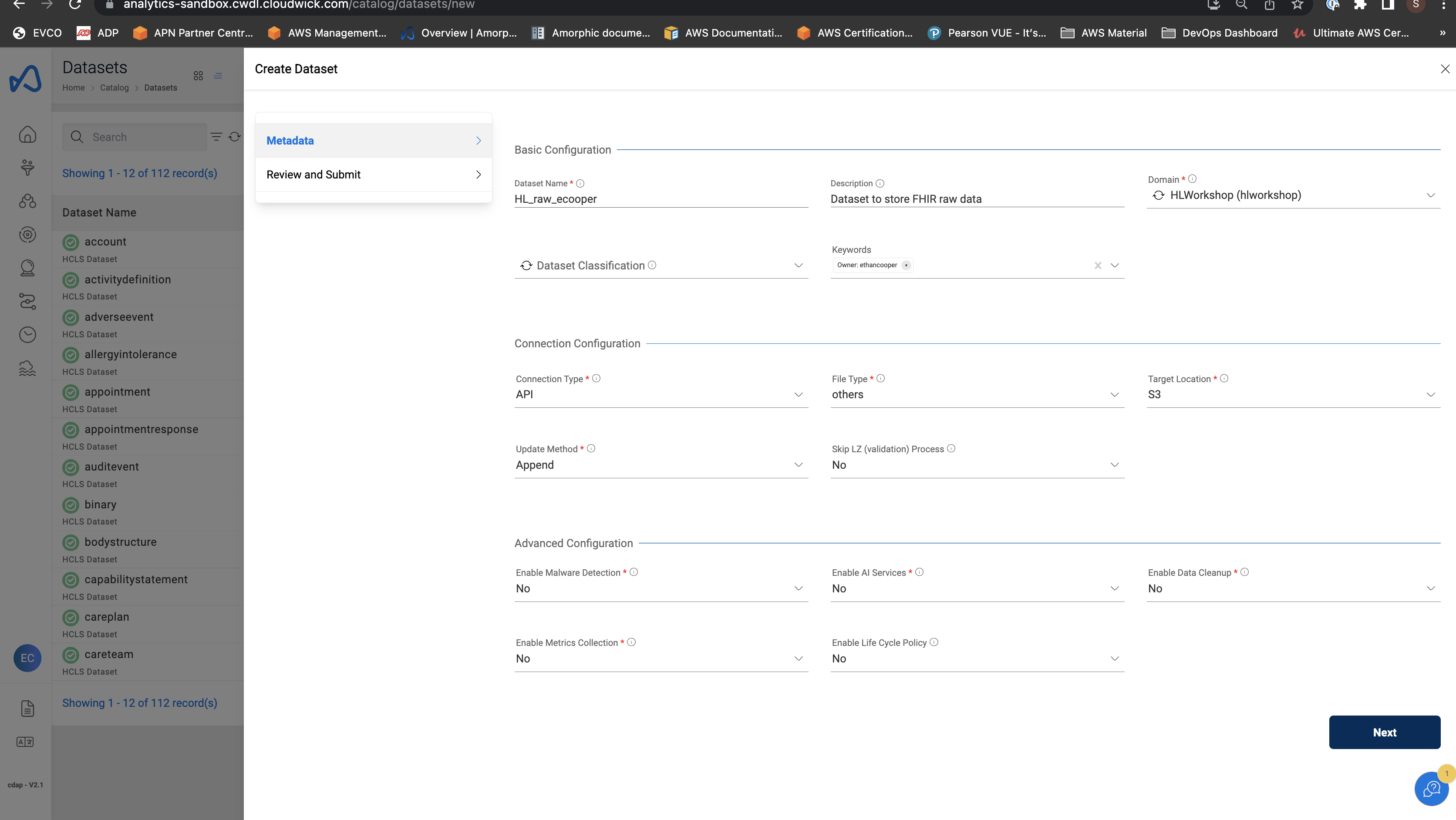
Dataset details
"Dataset Name" : "HL_raw_<user_id>"
"Description" : "Dataset to store FHIR raw data"
"Domain" : "hlworkshop"
"Connection Type" : "api"
"File Type" : "others"
"Target Location" : "S3"
"Update Method" : "Append"
"Enable Malware Detection" : "No"
"Enable AI Services" : "No"
"Enable Data Cleanup" : "No"
"Enable Metrics Collection" : "No"
"Enable Life Cycle Policy" : "No"
Review & Submit
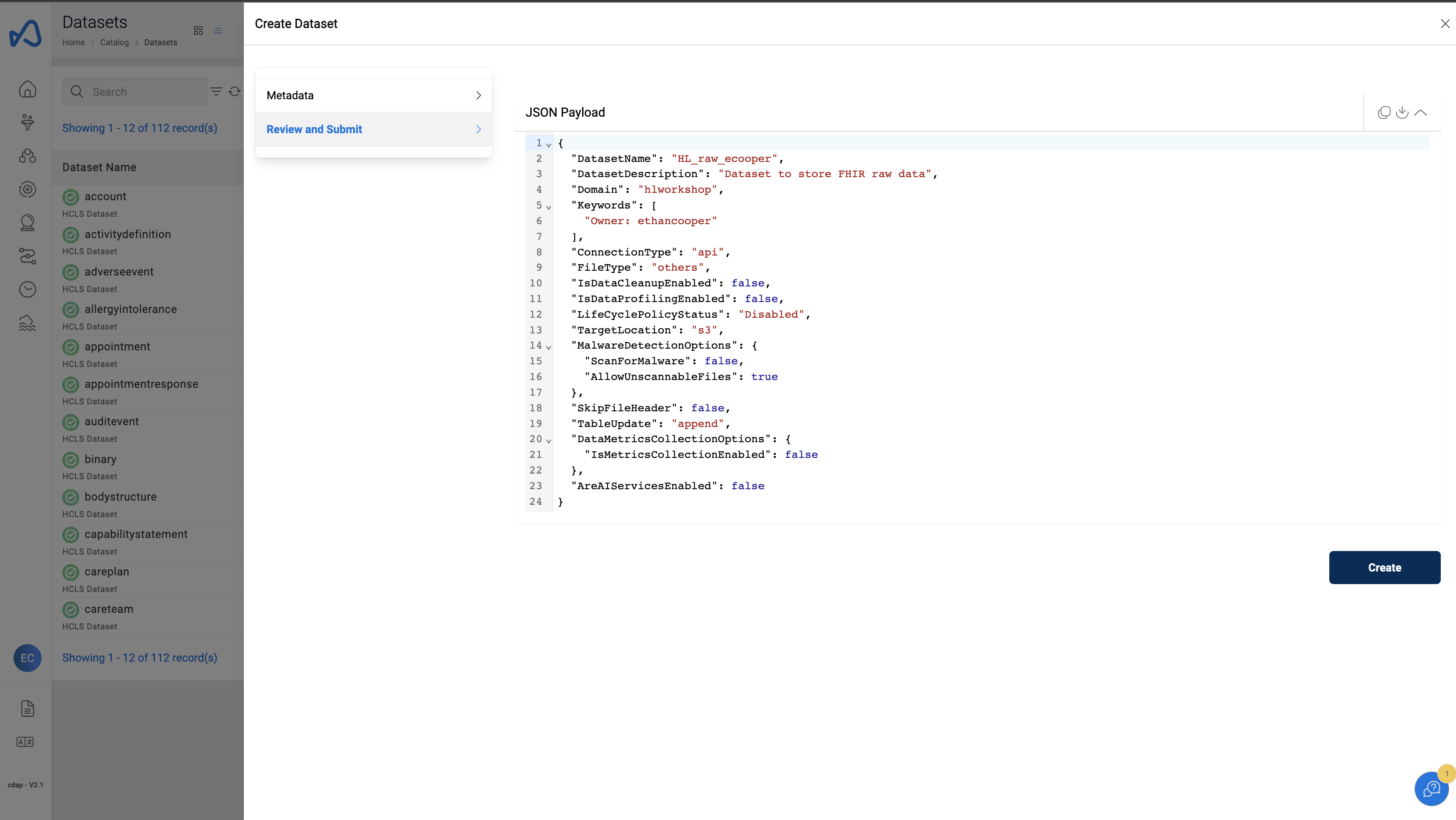
- Review the dataset details and click on
Create
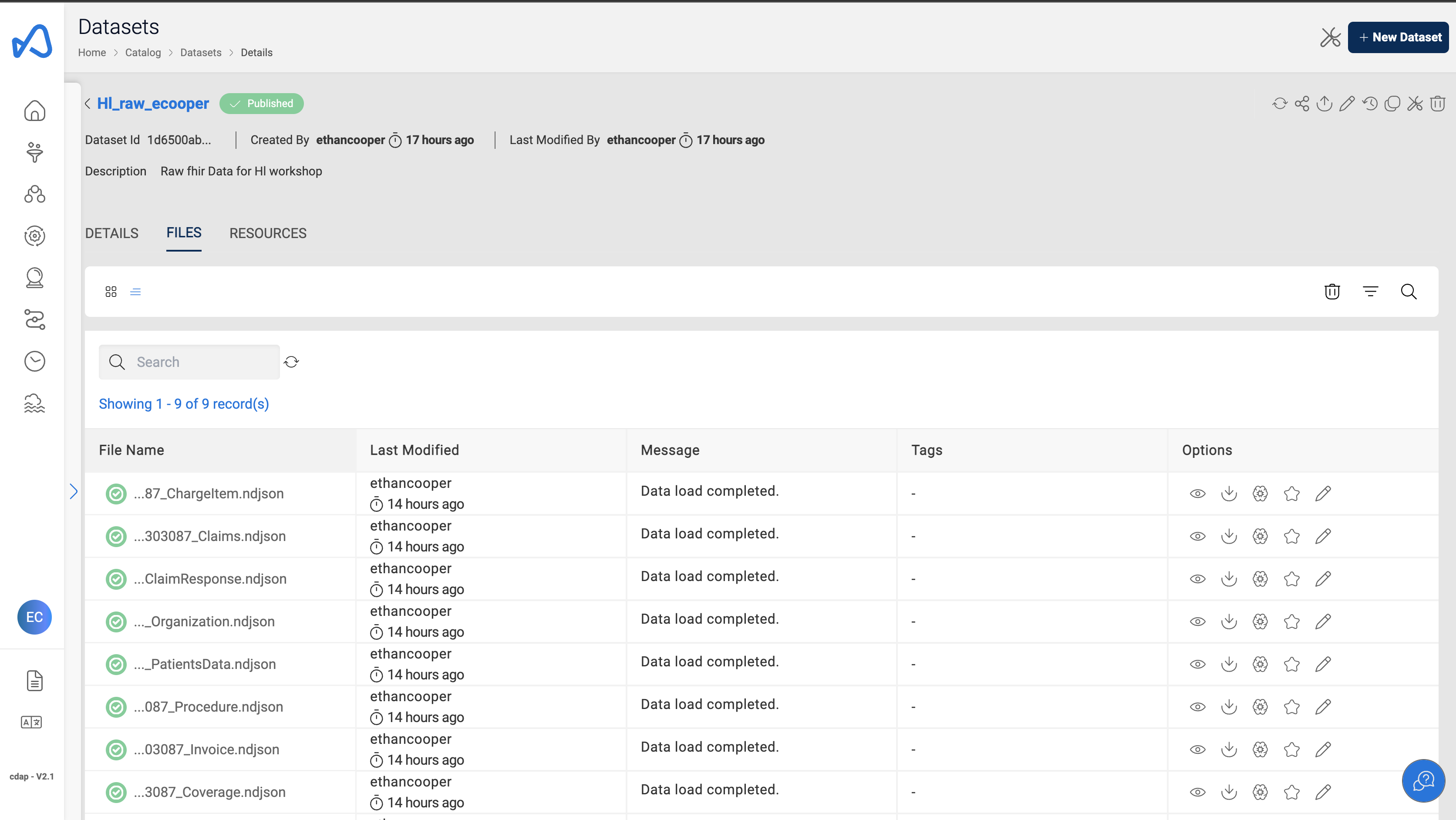
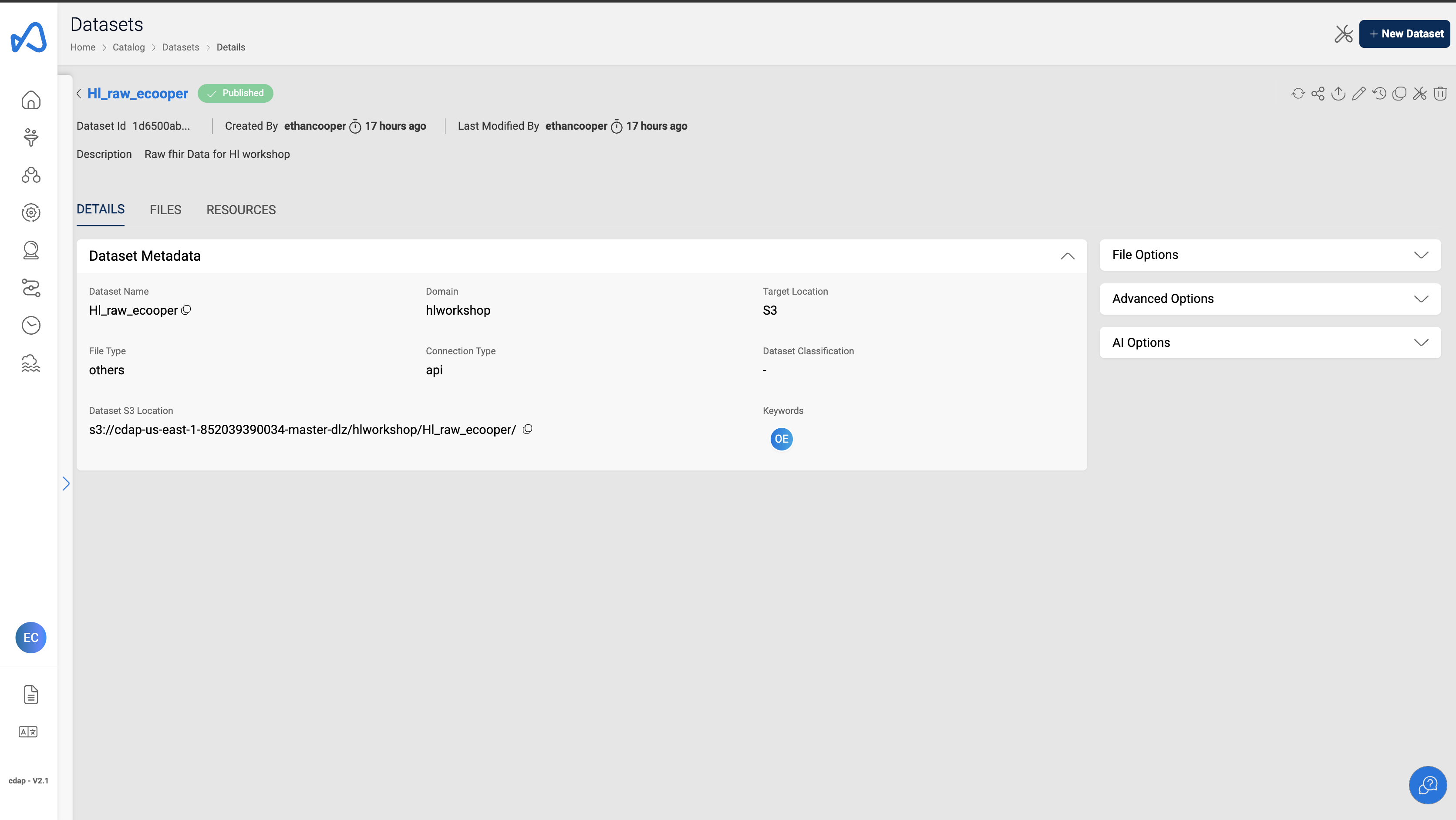
Look for published status next to the dataset name as shown below
Upload Data to the Dataset
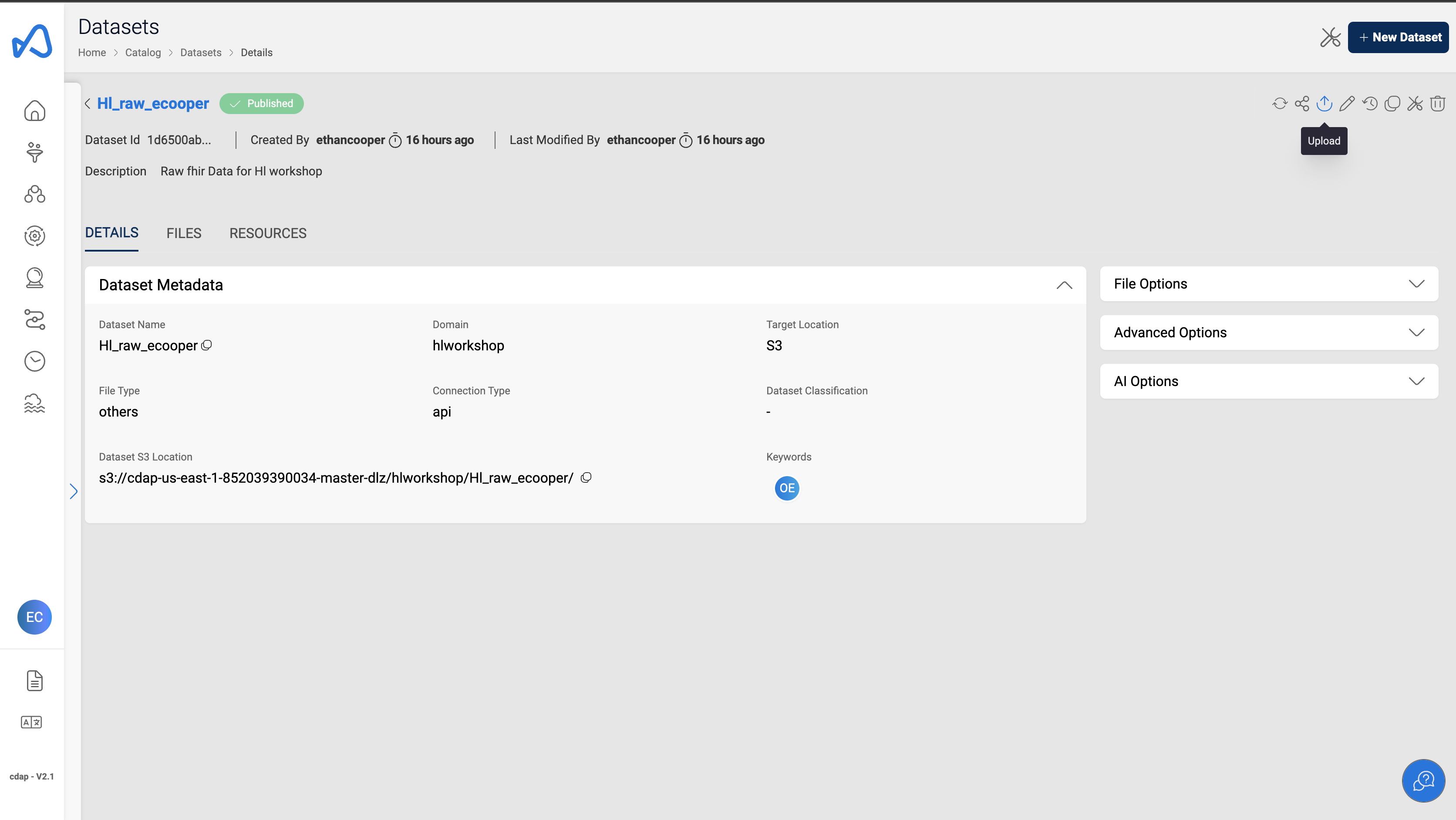
- Click on the
Uploadbutton on the top right corner
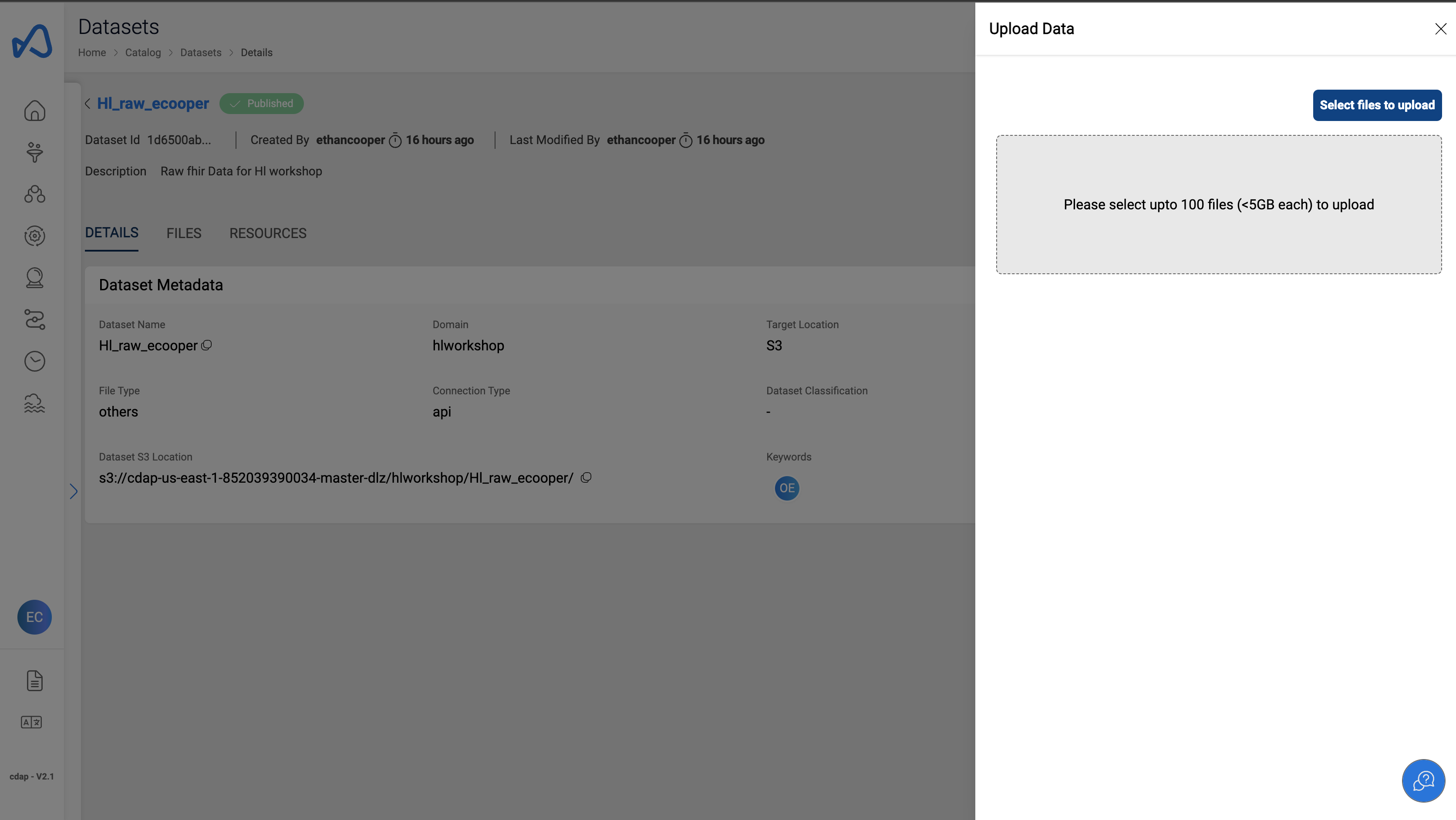
- Click on
Select Files to Uploadbutton
- Select all .ndjson files provided to upload to the s3 dataset created above. [ADD PRE-SIGNED S3 URL TO DOWNLOAD THE .NDJSON FILES]
- Click on
Upload Selected Filesto finish the upload
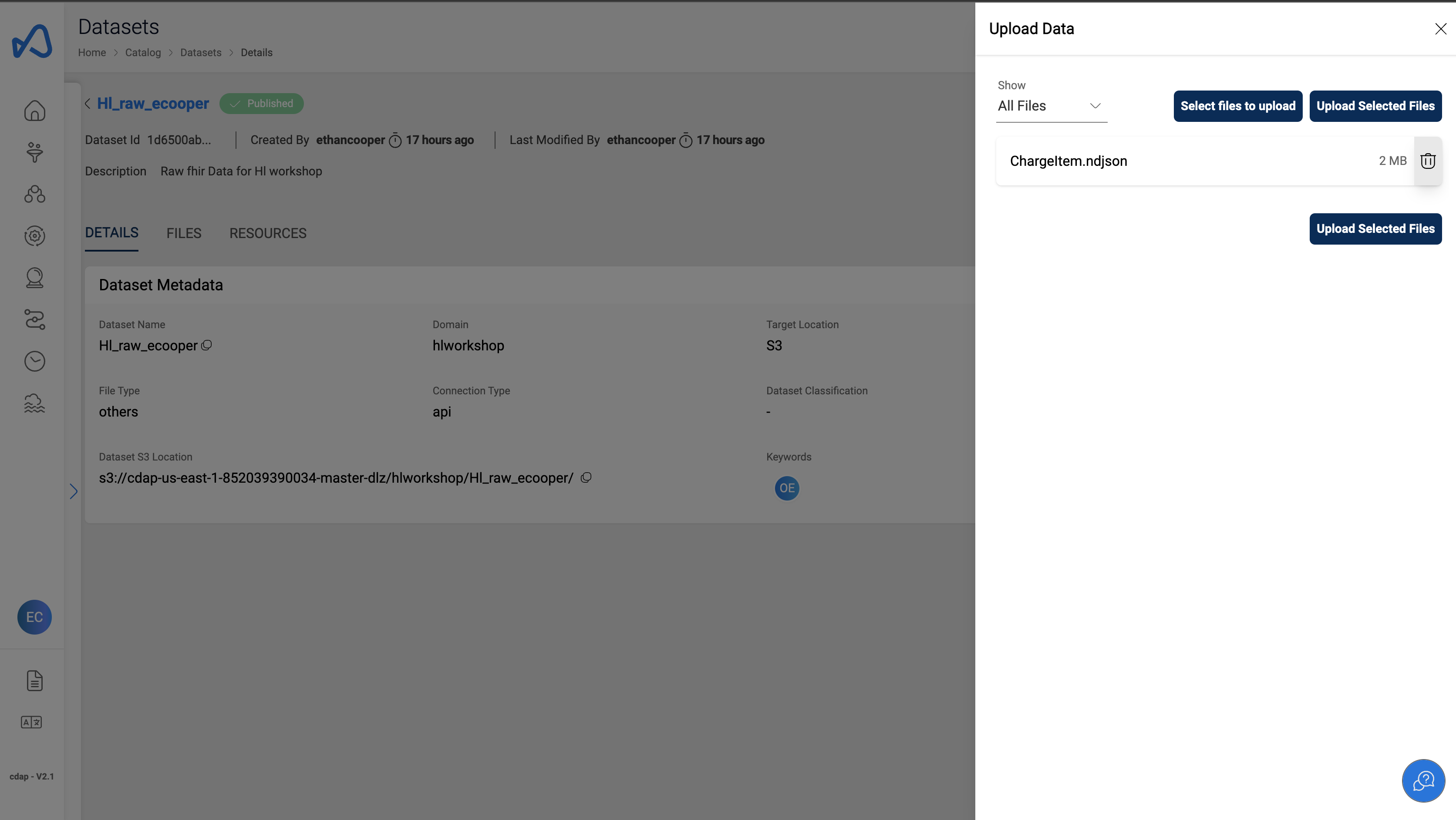
- All the uploaded files will be present under the Files tab of the dataset