Transformation Job

info
- Follow the steps mentioned below to create an ETL job.
- Total time taken for this task: 10 Minutes.
- Pre-requisites: Create ETL Output Datasets
Create ETL job
- Click on
Transformation-->Jobsfrom left side navigation-bar.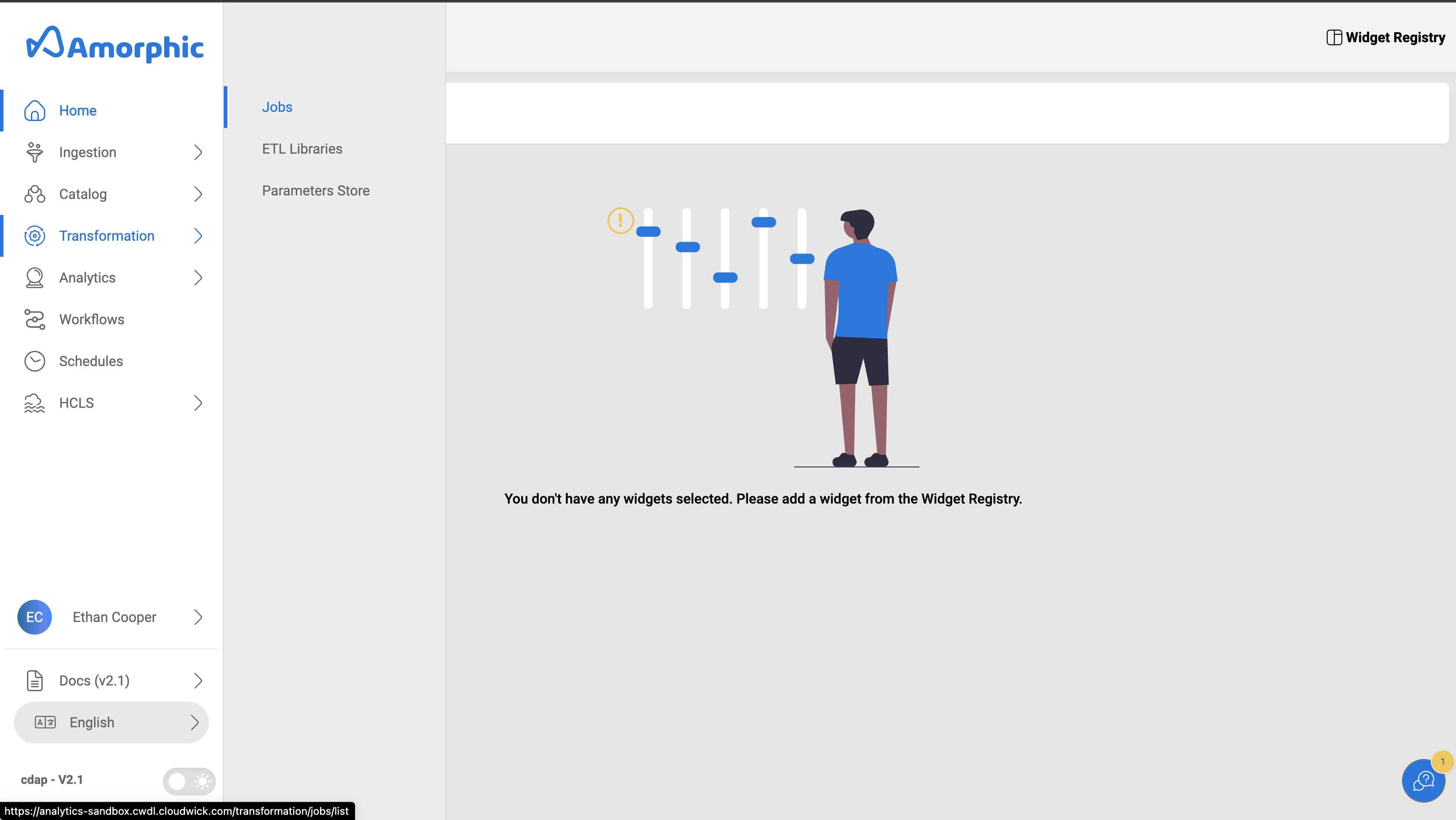
- Click on
➕ New Jobbutton at the top right corner to create a new job. - Enter all the required details as mentioned below and click on
Next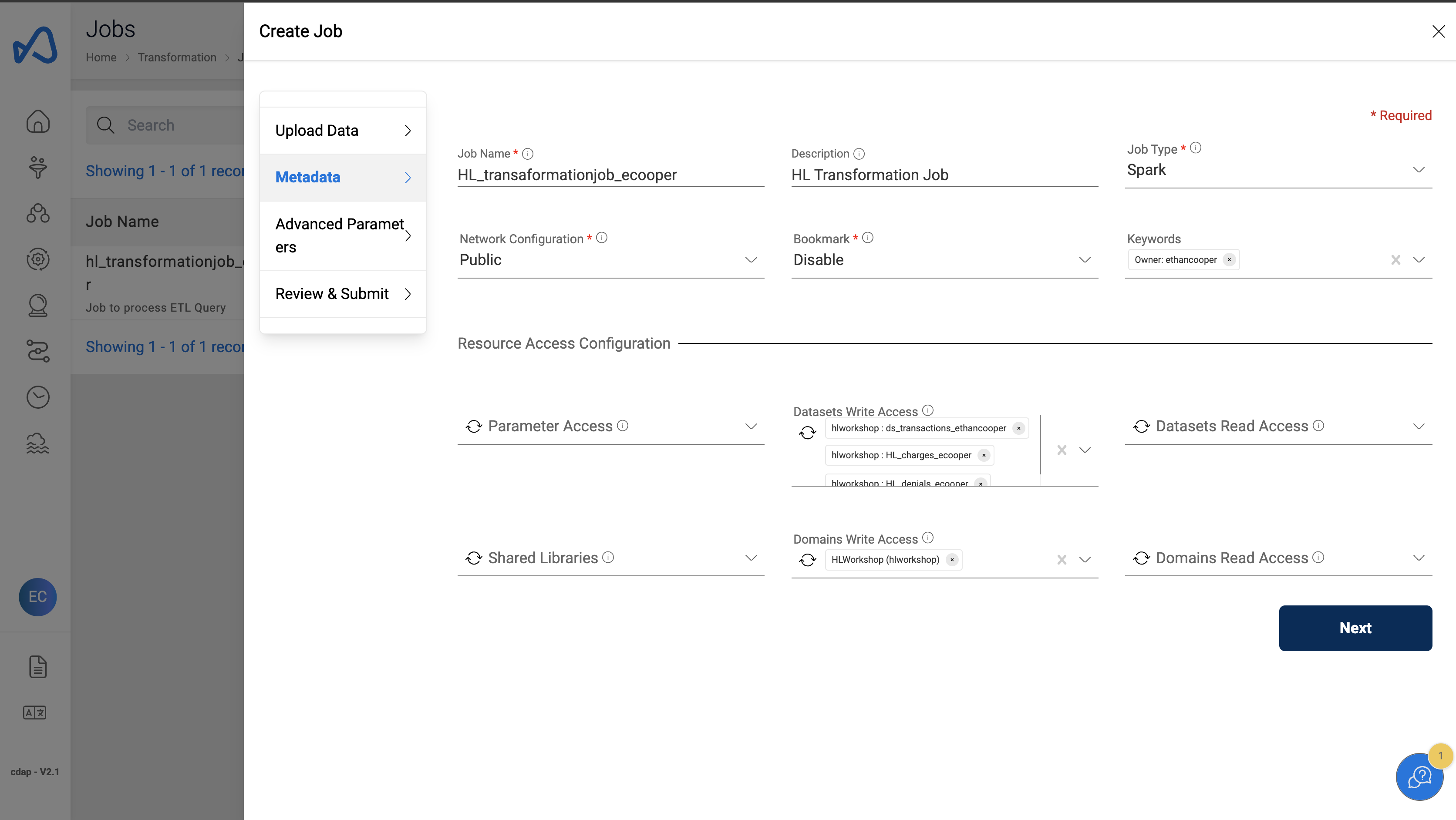
Job Details
"Job Name": "HL_transformationjob_<user_id>"
"Description" : "HL Transformation Job"
"Job Type" : "Spark"
"Network Configuration" : "Public"
"Bookmark" : "Disable"
"Datasets Write Access" : "[ HL_charges_<user_id>, HL_transactions_<user_id>, HL_denials_<user_id> ]"
"Domains Write Access" : "hlworkshop"
Advanced Parameters can be left to default for this workshop. Click
Next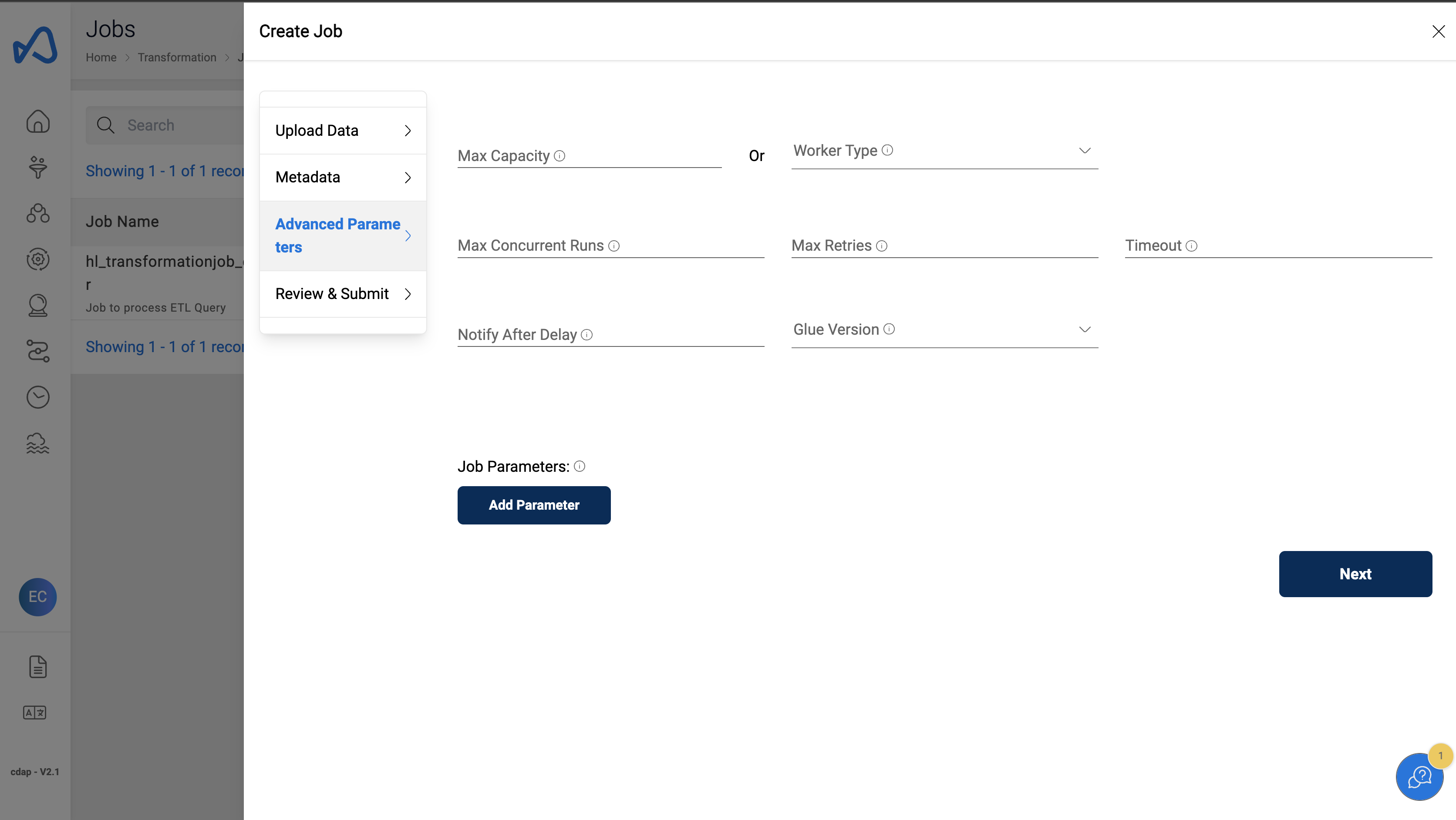
Review & Submit
- Review the Job Details on the
Review & Submitpage. - Click
Submit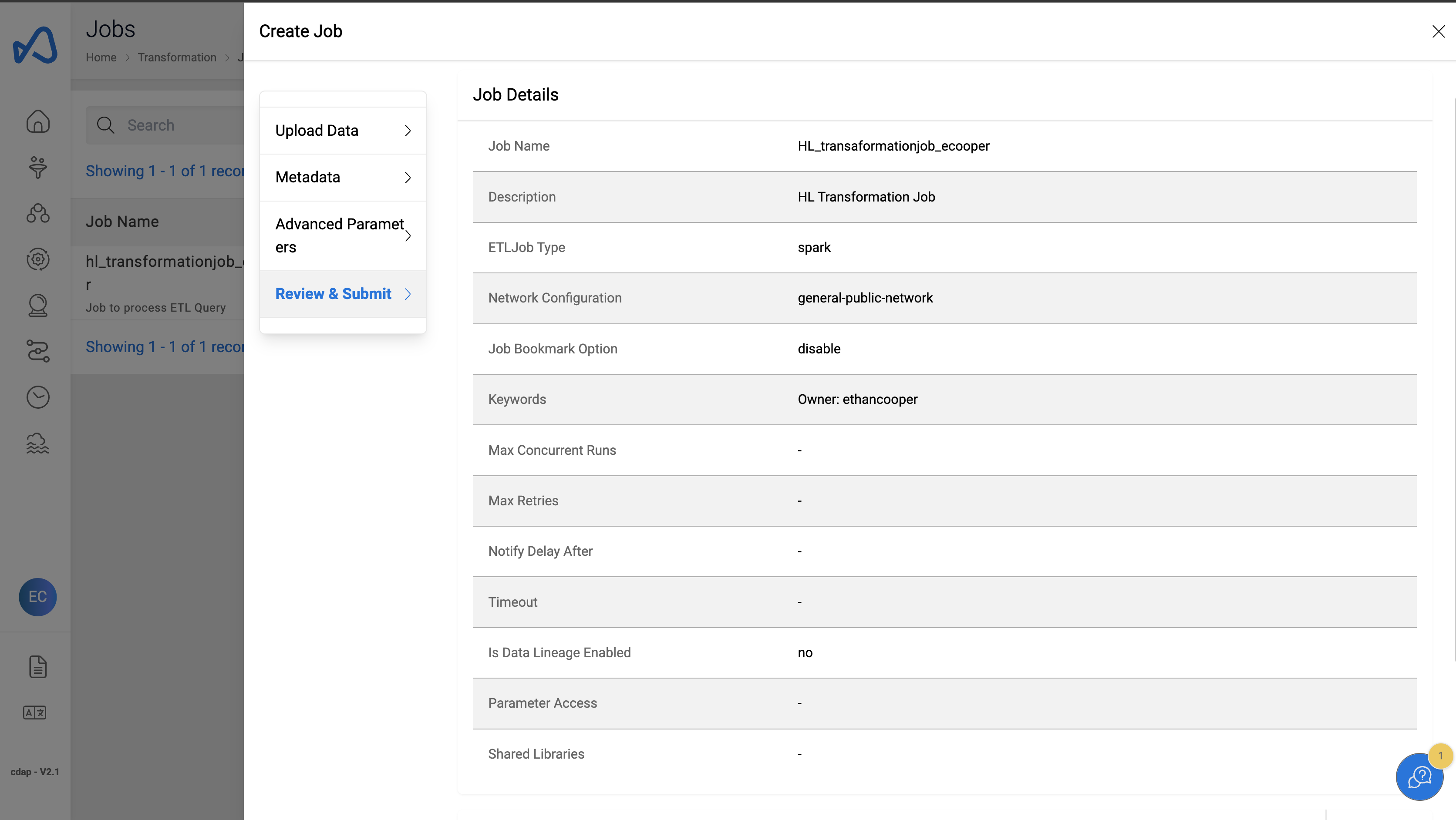
Add Transformation script
- Once the job creation is completed a new script editor window will appear. Or you can open the script editor by clicking on the
Edit Scriptbutton on the top right corner of the page.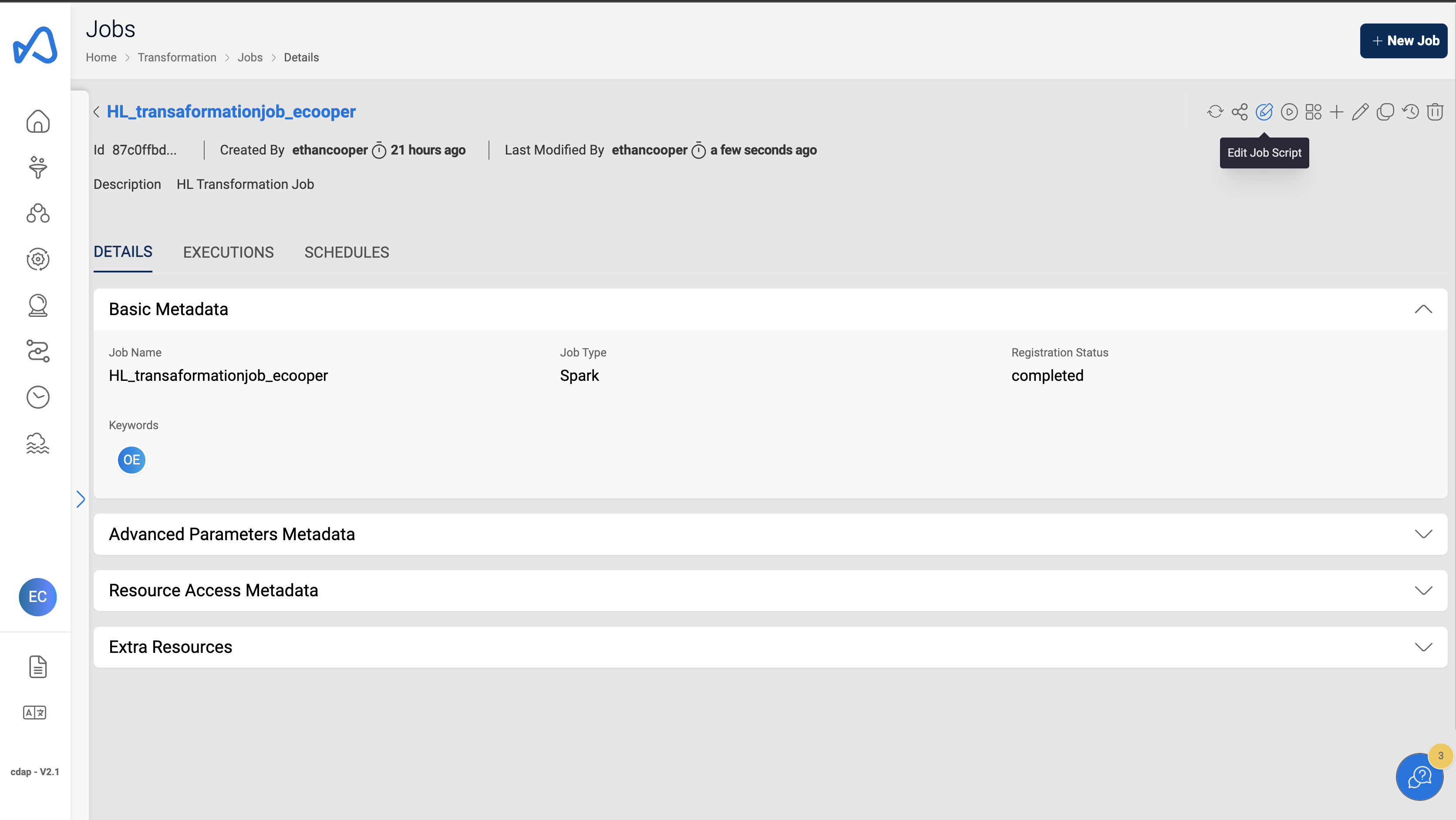
- Toggle the
Read modebutton on the top right corner to get into edit mode.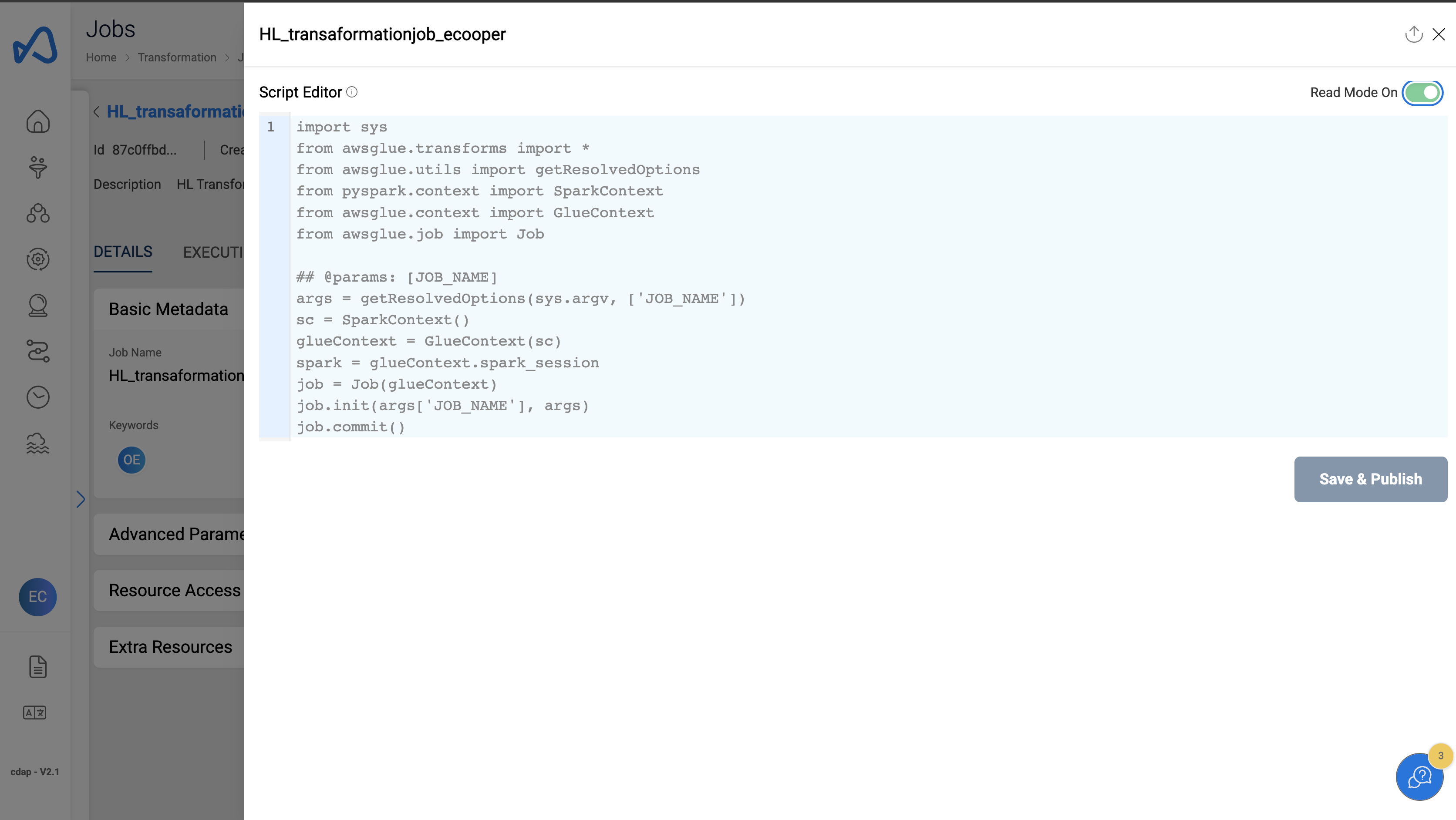
- Add the transformation script. Copy paste the below script in the script editor.
Note
Make sure to update the following variables in the script with relevant values
- domain - domain name that you have created in previous steps
- username - your Amorphic user name
- healthlake_db - domain name of the healthlake datastore created in previous steps (Check in domains page)
Script
import sys
from awsglue.utils import getResolvedOptions
import ProcessETLQuery as p


domain="hlworkshop" # domain name that you have created in previous steps
username="ethancooper" # your user name
base_url="cdap-healthlake-base-url"
token="cdap-healthlake-token"
role_id="cdap-healthlake-role-id"

# domain name of the healthlake datastore created in previous steps (Check in domains page)
healthlake_db="HL_Workshop_ethancooper_f2bfca7e0c4656e06c9f9d41bfe1a0af_healthlake_view"


denials_query=f"select PAT.patient_pk,INV.amount,CI.post_date,TEMP1.financial_class,TEMP1.department_name,CLMR.claim_adj_reason_code,CLMR.claim_adj_reason_desc from ((select id as patient_pk from {healthlake_db}.patient ) PAT inner join (select id as invoice_pk, substr(subject.reference,9,7) as patient_fk, totalGross.value as amount from {healthlake_db}.invoice )  INV on  INV.patient_fk=PAT.patient_pk inner join (select substr(enteredDate,1,10) as post_date, id as chargeitem_pk, substr(subject.reference,9,7 ) as patient_fk , substr(context.reference,11,7) as encounter_fk from {healthlake_db}.chargeitem) CI on  CI.patient_fk=PAT.patient_pk  inner join ((select class[1].name as financial_class, substr(subscriber.reference,9,7 ) as patient_fk, substr(payor[1].reference,14,7) as organization_fk, id as coverage_pk from {healthlake_db}.coverage) COV INNER JOIN (select id as organization_pk, name as department_name  from  {healthlake_db}.organization ) ORG on ORG.organization_pk=COV.organization_fk) TEMP1 on TEMP1.patient_fk=PAT.patient_pk inner join (select id as claimresponse_pk, item[1].adjudication[1].reason.coding[1].code as claim_adj_reason_code , item[1].adjudication[1].reason.coding[1].display as claim_adj_reason_desc, substr(patient.reference,9,7) as patient_fk from {healthlake_db}.claimresponse) CLMR on  CLMR.patient_fk = PAT.patient_pk)"
transactions_query=f"select CLMR.amount,CI.post_date,TEMP1.financial_class,CLM.procedure_name,TEMP1.department_name ,CLM.claim_pk as claim_id from ((select id as claim_pk,substr(patient.reference,9,7) as patient_fk, item[1].productOrService.text as procedure_name from {healthlake_db}.claim ) CLM inner join (select id as patient_pk from {healthlake_db}.patient ) PAT on CLM.patient_fk= PAT.patient_pk inner join (select substr(enteredDate,1,10) as post_date, id as chargeitem_pk, substr(subject.reference,9,7 ) as patient_fk , substr(context.reference,11,7) as encounter_fk from {healthlake_db}.chargeitem) CI on  CI.patient_fk=PAT.patient_pk inner join (select id as claimresponse_pk, item[1].adjudication[1].amount.value as amount , substr(insurance[1].coverage.reference,10,7) as coverage_fk, substr(patient.reference,9,7) as patient_fk from {healthlake_db}.claimresponse) CLMR on  CLMR.patient_fk = PAT.patient_pk inner join ((select class[1].name as financial_class, substr(subscriber.reference,9,7 ) as patient_fk, substr(payor[1].reference,14,7) as organization_fk, id as coverage_pk from {healthlake_db}.coverage) COV INNER JOIN (select id as organization_pk, name as department_name  from  {healthlake_db}.organization ) ORG on ORG.organization_pk=COV.organization_fk) TEMP1 on TEMP1.coverage_pk=CLMR.coverage_fk)"
charges_query=f"select TEMP2.financial_class,TEMP2.department_name,PRO.procedure_code,PRO.procedure_name ,TEMP3.post_date,TEMP3.charge_amount from (((select id as patient_pk from {healthlake_db}.patient ) PAT INNER JOIN ((select class[1].name as financial_class, substr(subscriber.reference,9,7 ) as patient_fk, substr(payor[1].reference,14,7) as organization_fk from {healthlake_db}.coverage) COV INNER JOIN (select id as organization_pk, name as department_name  from  {healthlake_db}.organization ) ORG on ORG.organization_pk=COV.organization_fk) TEMP1 on PAT.patient_pk = TEMP1.patient_fk) TEMP2 INNER join (select substr(subject.reference,9,7 ) as patient_pk,code.coding[1].code  as procedure_code , code.coding[1].display  as procedure_name from {healthlake_db}.procedure ) PRO on PRO.patient_pk =TEMP2.patient_pk INNER join ((select substr(enteredDate,1,10) as post_date, id as chargeitem_pk, substr(subject.reference,9,7 ) as patient_fk , substr(context.reference,11,7) as encounter_fk from {healthlake_db}.chargeitem) CI inner join (select id as chargeitem_pk,propertyGroup[1].priceComponent[1].amount.value charge_amount from {healthlake_db}.chargeitemdefinition ) CID on CI.chargeitem_pk = CID.chargeitem_pk) TEMP3 on TEMP3.patient_fk=TEMP2.patient_pk)"


hl_tables={
            "denials_query":
             {
                    "ds_name": "HL_denials_ecooper",
                    "work_group": "AmazonAthenaEngineV3",
                    "domain": f"{domain}",
                    "user": f"{username}",
                    "base_url": f"{base_url}",
                    "token": f"{token}",
                    "role_id": f"{role_id}",
                    "query_delay": "180",
                    "query":  denials_query
                    },

            "transactions_query":
                {
                    "ds_name": "HL_transactions_ecooper",
                    "work_group": "AmazonAthenaEngineV3",
                    "domain": f"{domain}",
                    "user": f"{username}",
                    "base_url": f"{base_url}",
                    "token": f"{token}",
                    "role_id": f"{role_id}",
                    "query_delay": "180",
                    "query": transactions_query

                 },
            "charges_query":
                {
                    "ds_name": "HL_charges_ecooper",
                    "work_group": "AmazonAthenaEngineV3",
                    "domain": f"{domain}",
                    "user": f"{username}",
                    "base_url": f"{base_url}",
                    "token": f"{token}",
                    "role_id": f"{role_id}",
                    "query_delay": "180",
                    "query":  charges_query

                }

            }


for target_query in hl_tables.keys():
    try:
        print(f"Starting to ingest the table {target_query}")

        p.process_query(target_query, hl_tables[target_query])

    except Exception as e:
        print(f"Issue ingesting the table {e}")
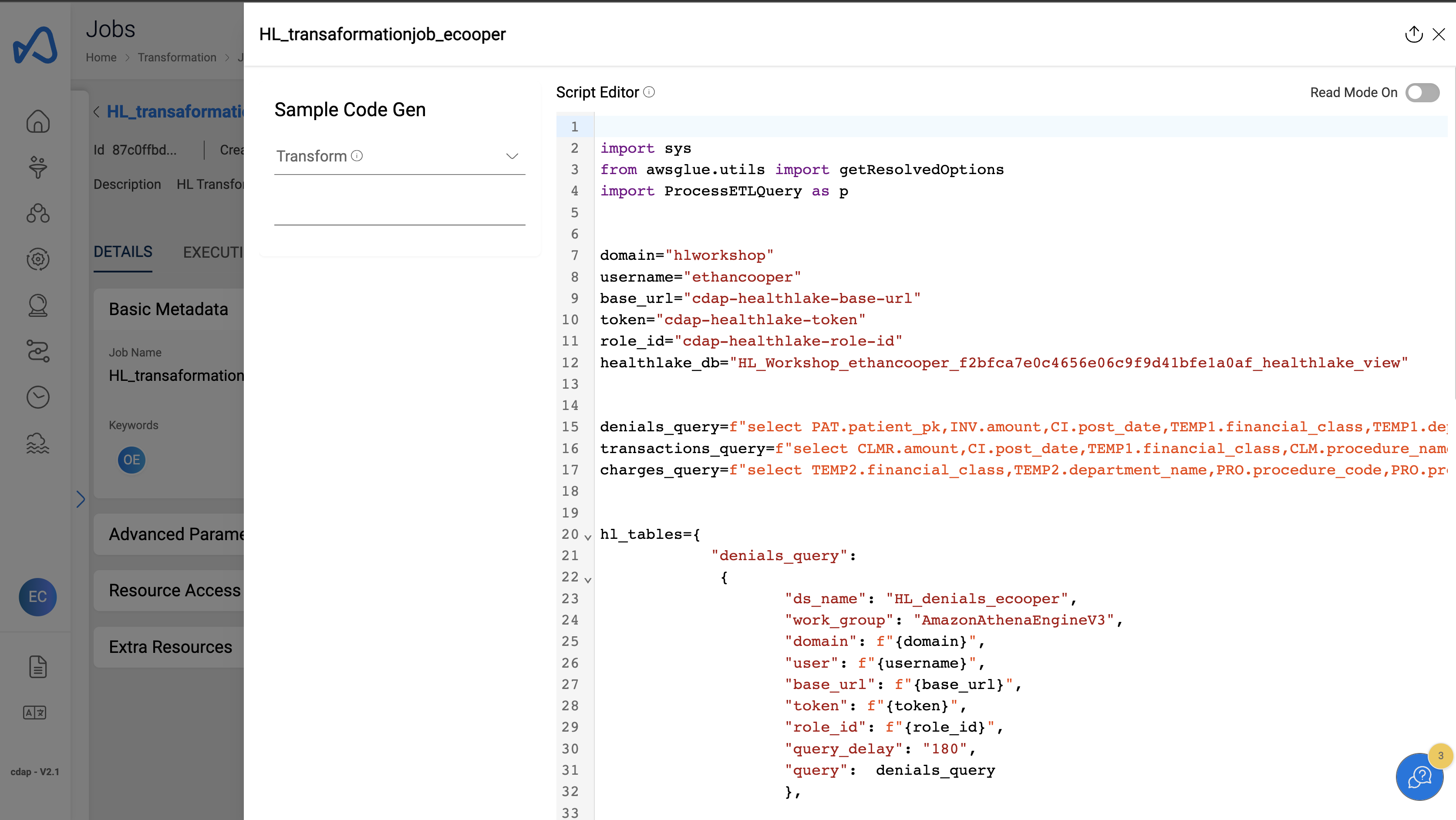
- Click on
Save & Exitbutton on the bottom left corner of the editor.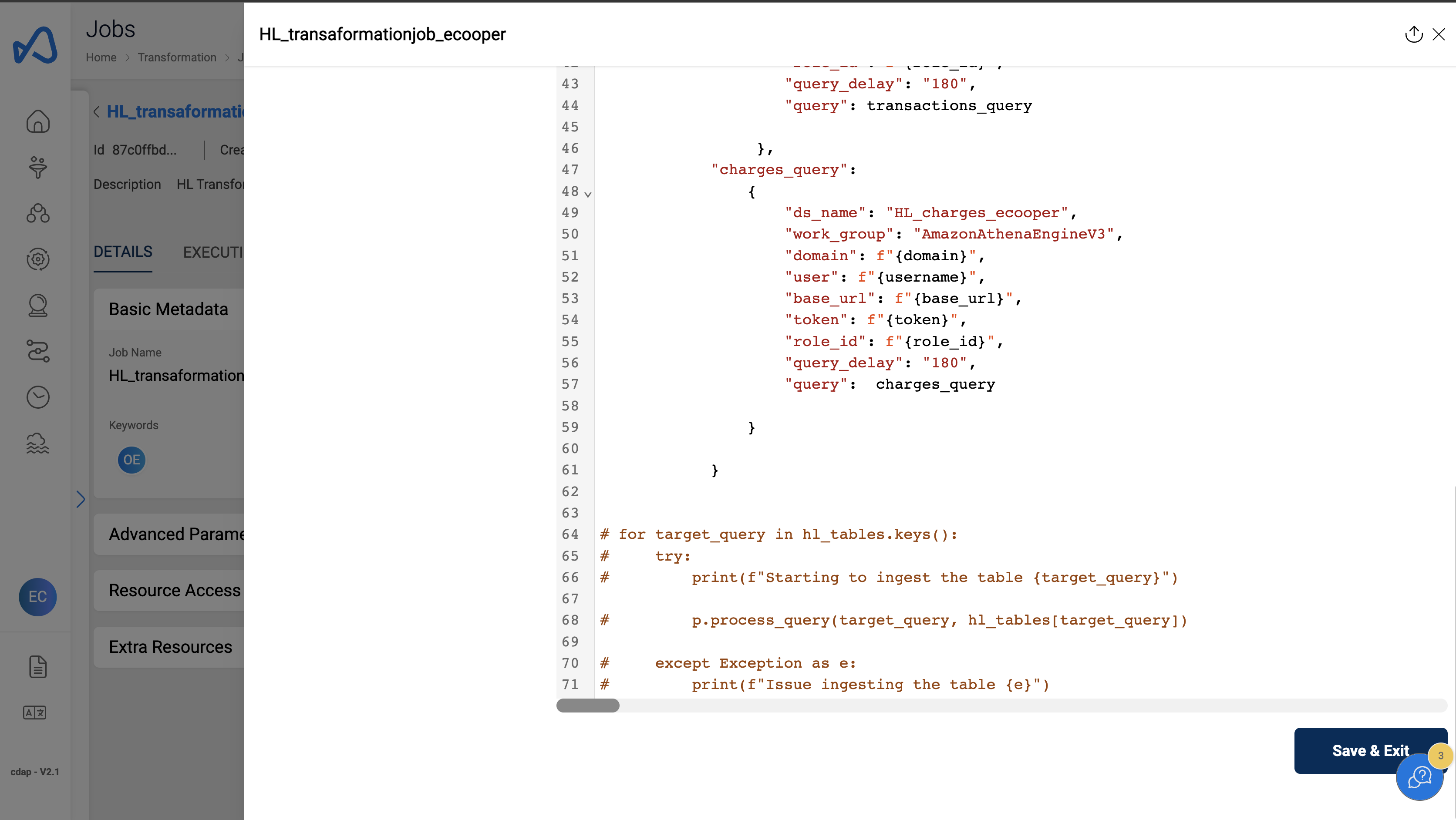
Add External Libraries
- Click om
Manage External Librariesbutton on the top right corner of the job details page.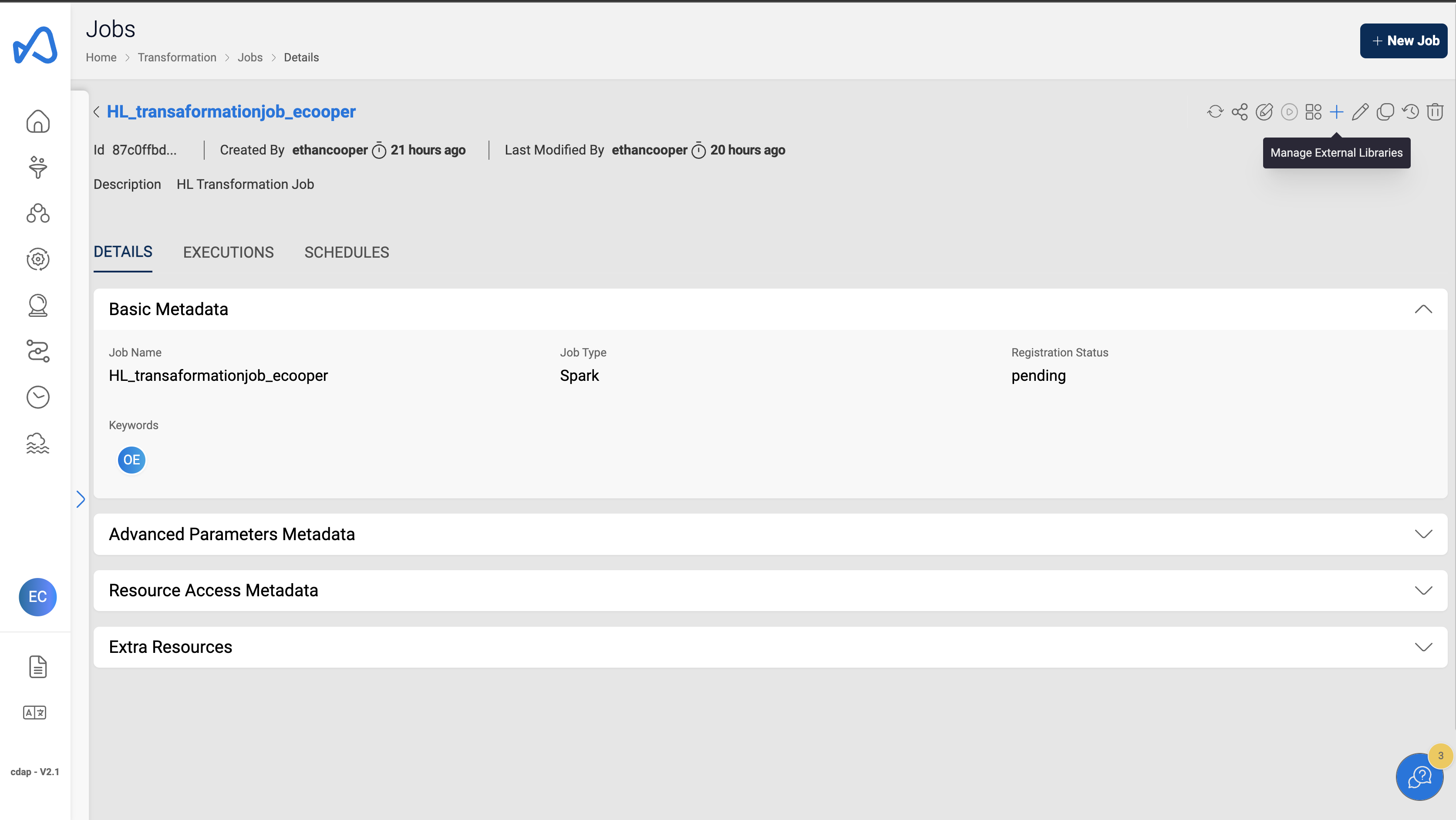
- Click on
Add Librarybutton on the top right corner of the page.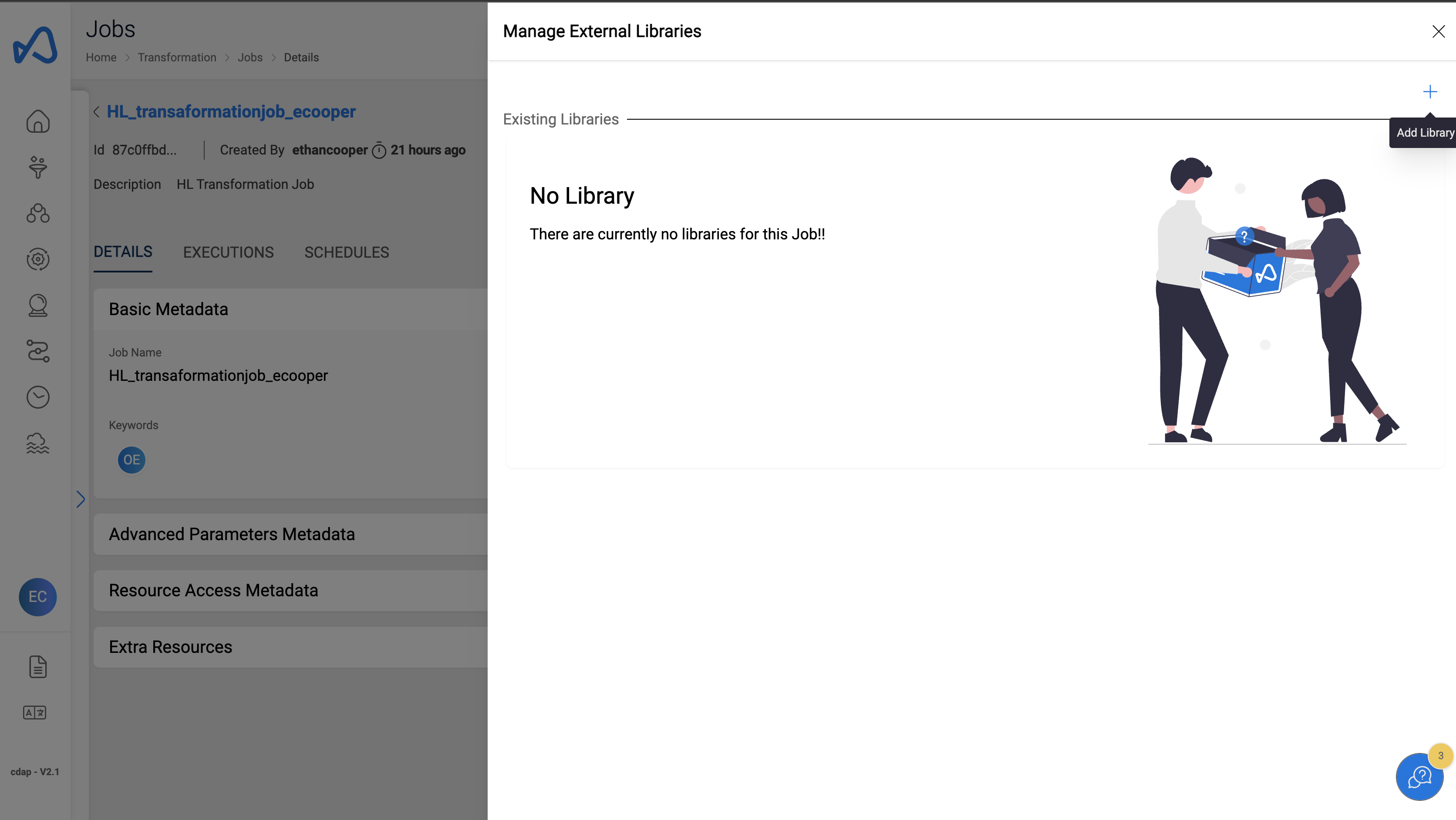
- Click on
Select files to upload.
note
Select amorphicutils.zip and ProcessETLQuery.py files to upload
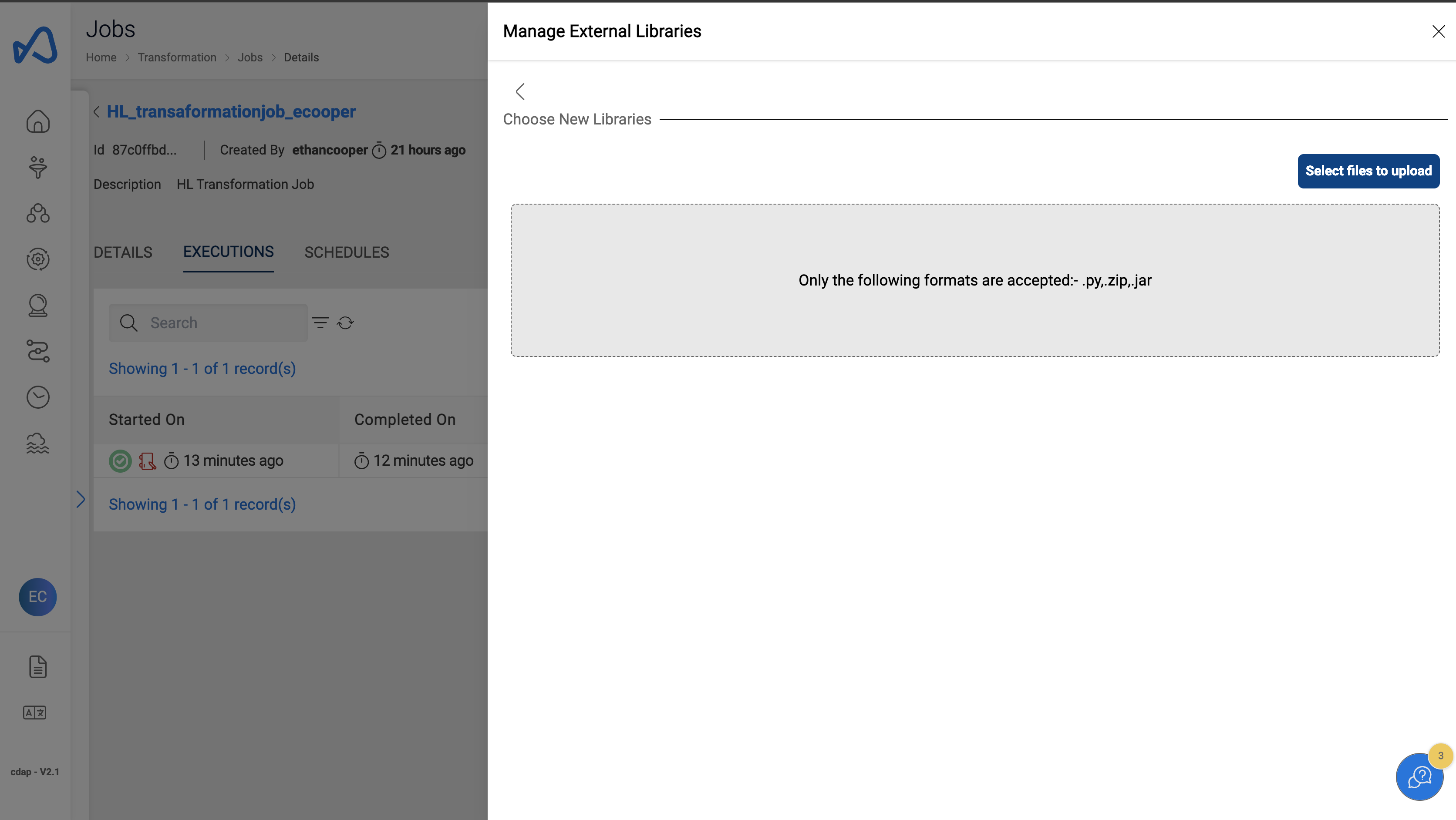
- Click on
Upload Selected Files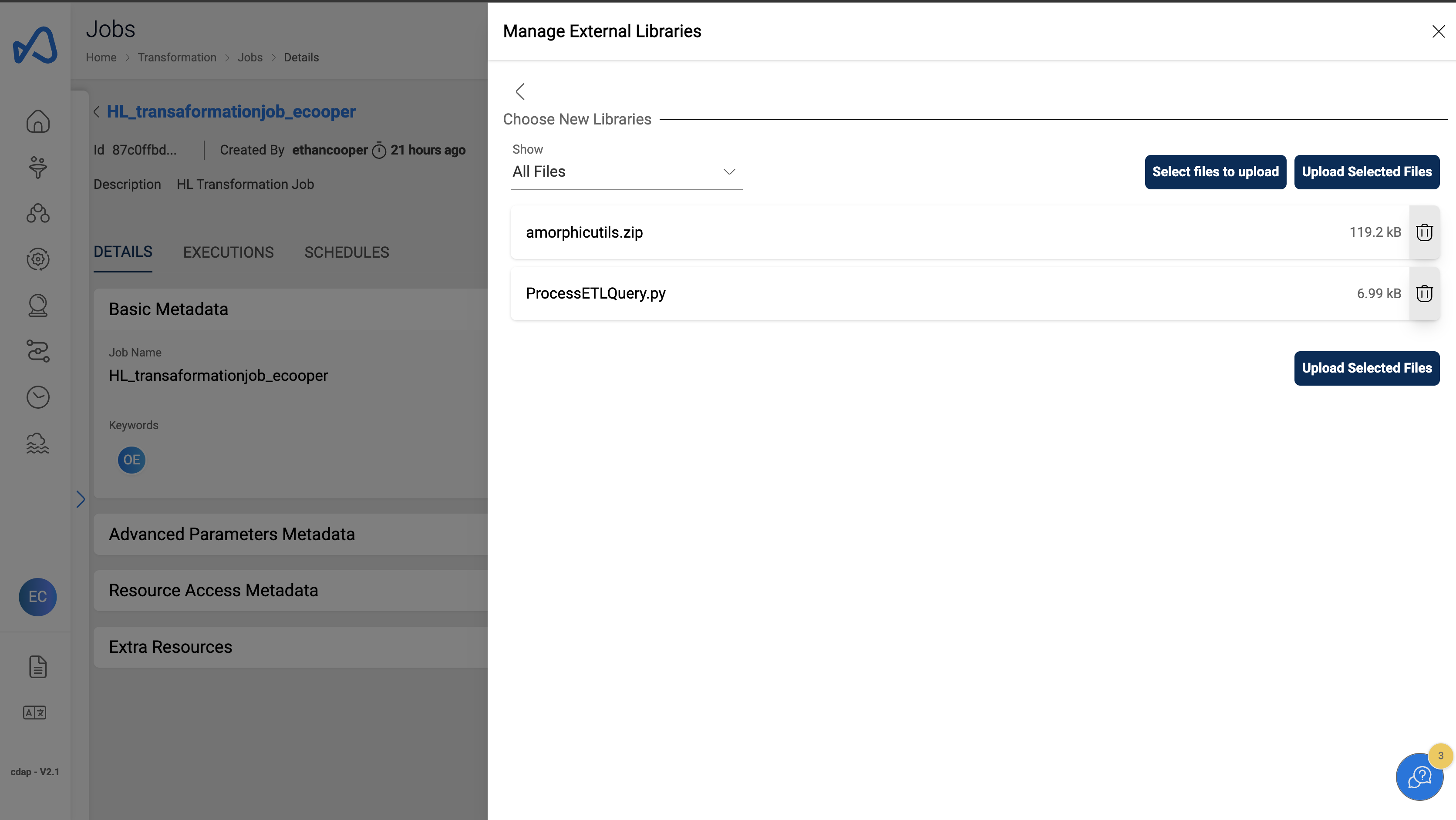
Run the ETL Job
- Click on the
Run Jobbutton on the top right corner of the job details page.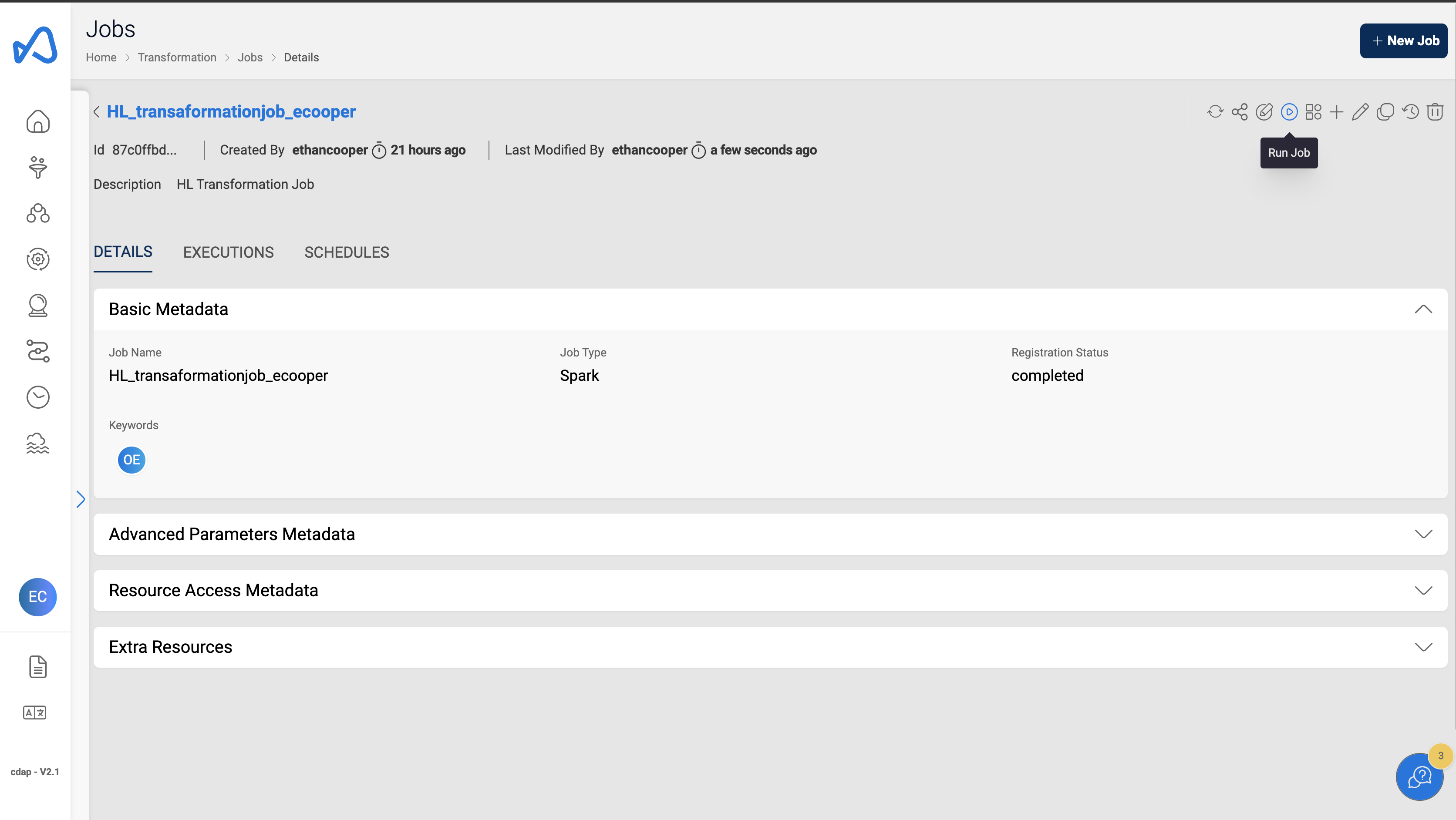
- Click
Continue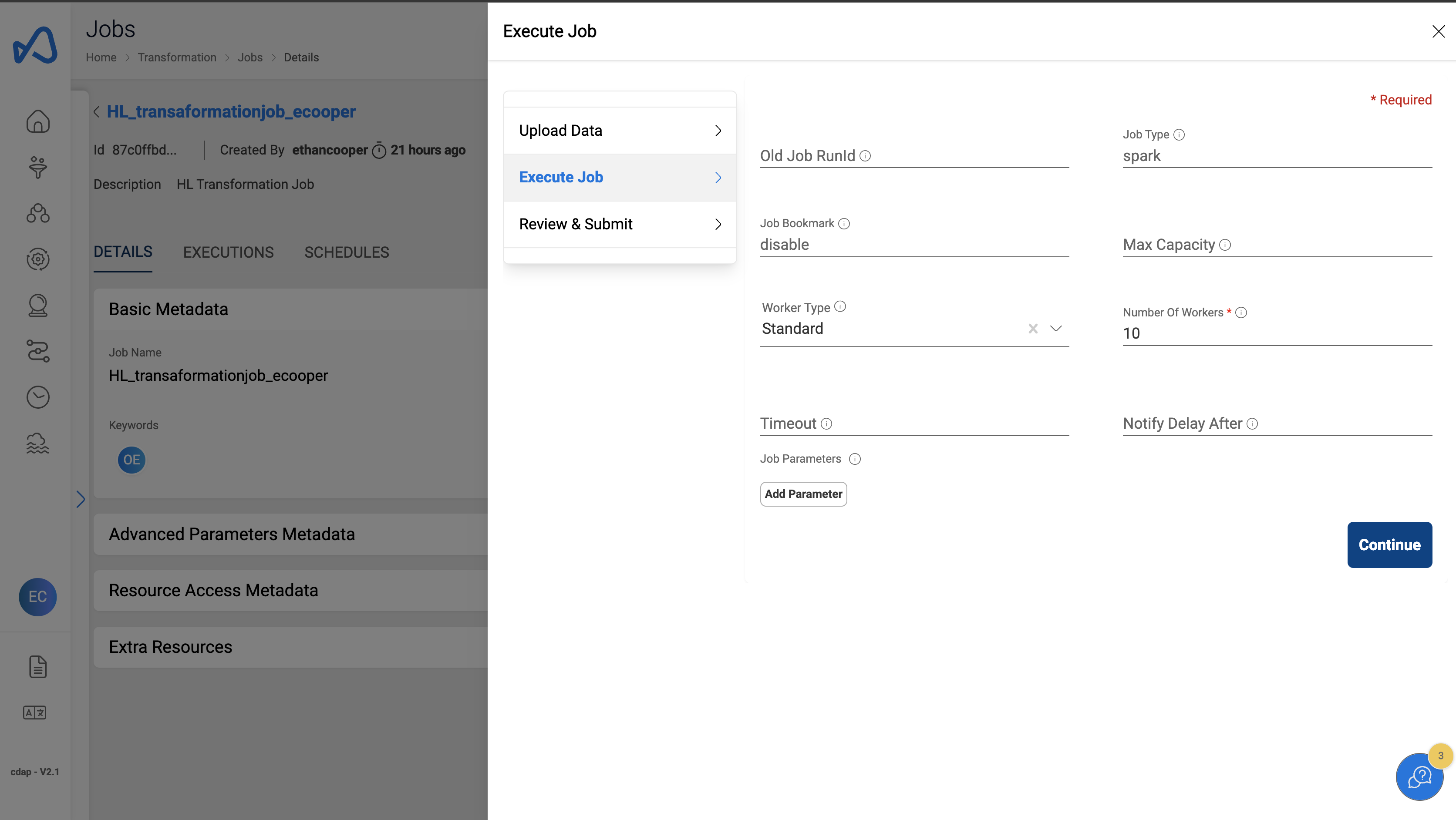
- Review the job execution details and Click
Run Job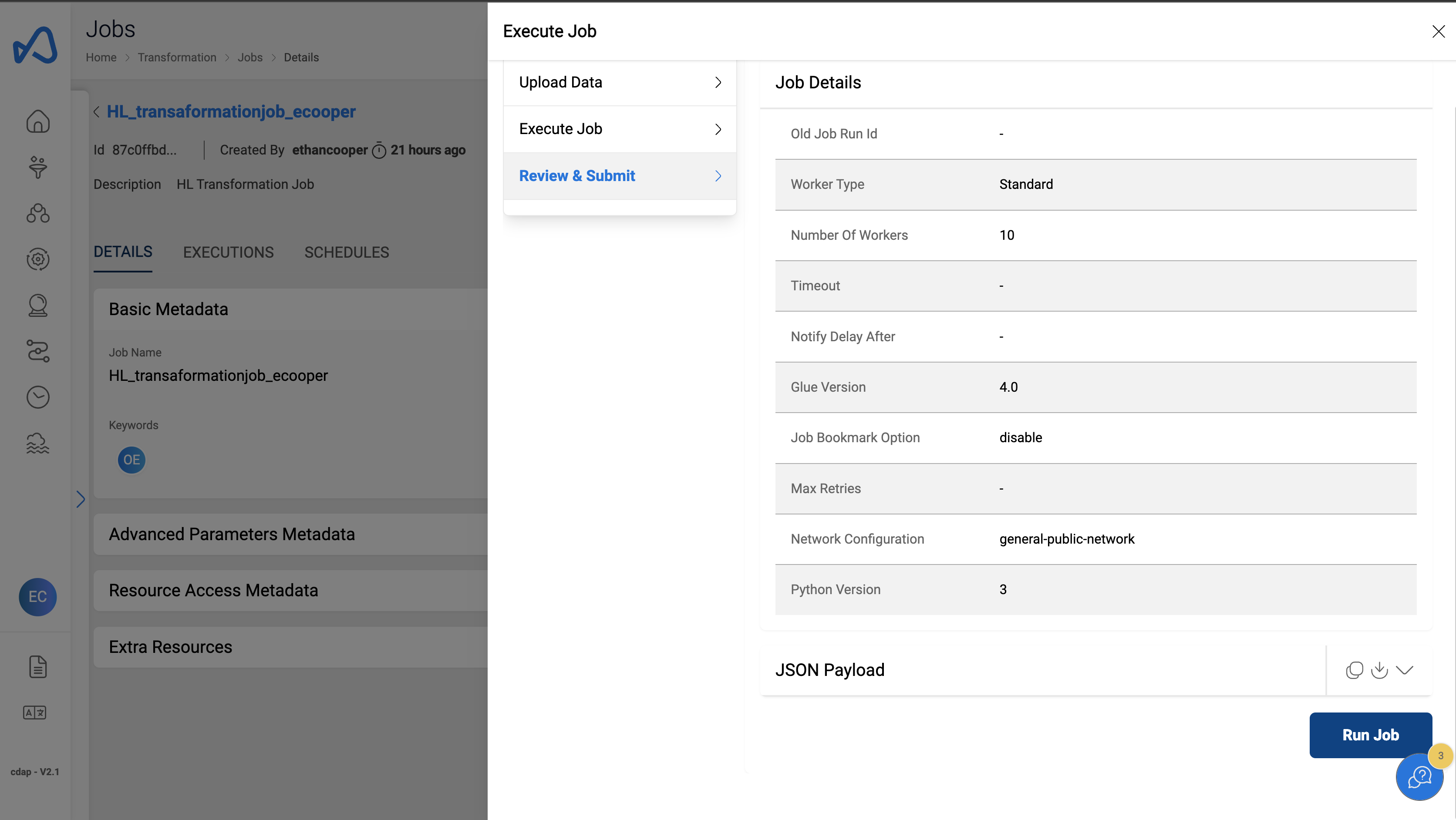
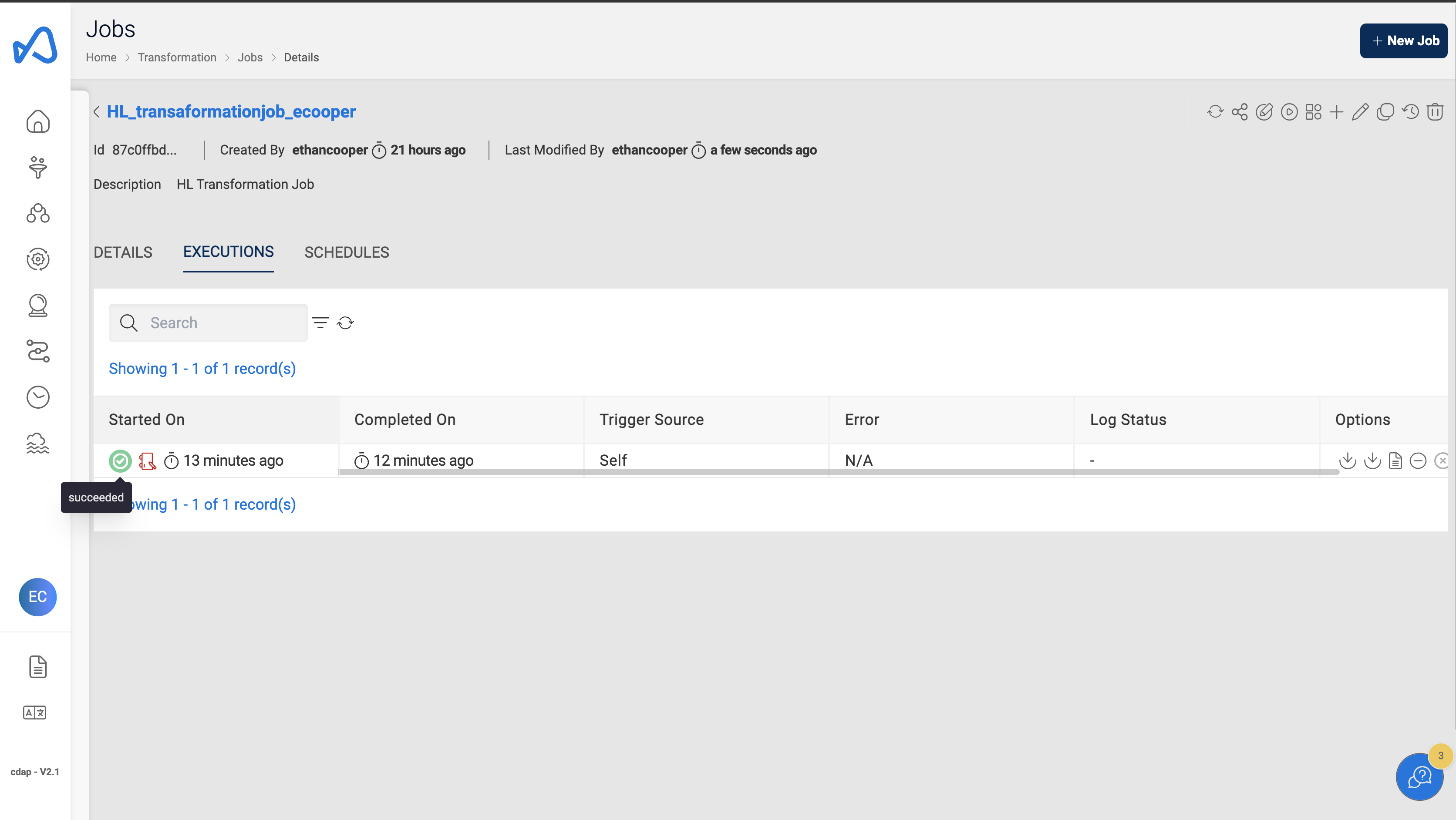
View Executions
- Navigate to the
Executionstab on the job details page. - Monitor the job execution for the latest job run.
- Job run status will change to succeeded state.