Connect Dashboard to Amorphic
title: Connect Dashboard to Amorphic

info
- Follow the steps mentioned below.
- Total time taken for this task: 5 Minutes.
- Pre-requisites: Create Quicksight Dashboard
- To create a new dashboard, go to home -> Dashboards and click the + on the top right corner. If you are using Amorphic version 1.9 and above, Click on NARRATIVES --> Dashbaords from the left navigation-bar.
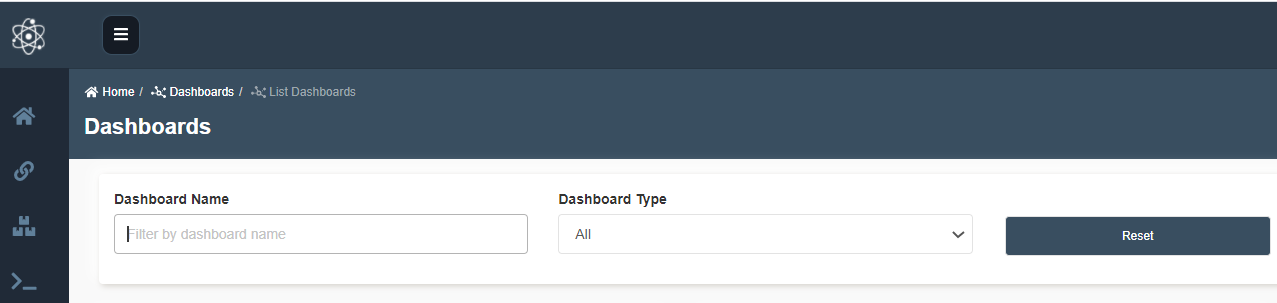
- This is the default page when Dashboard page is open
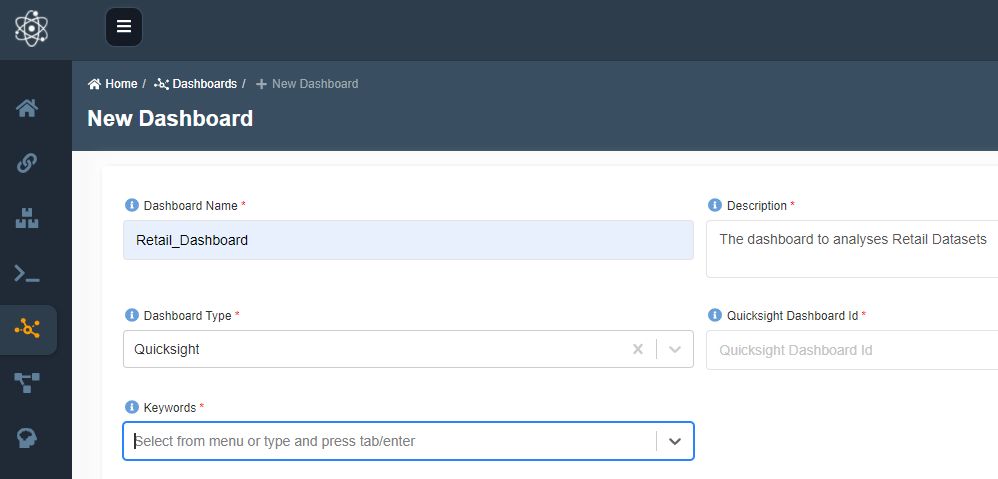
- Add the required information Dashboard Name, Description, Dashboard Type. Select the Dashboard Type as Quicksight to attach the quicksight dashboard else choose Others.
Enter Quicksight Dashboard ID extracted from URL and click Create Dashboard.
Congratulations!!!
You've attached the sales Prediction dashboard to Amorphic. Proceed to 'View Dashboard' task.